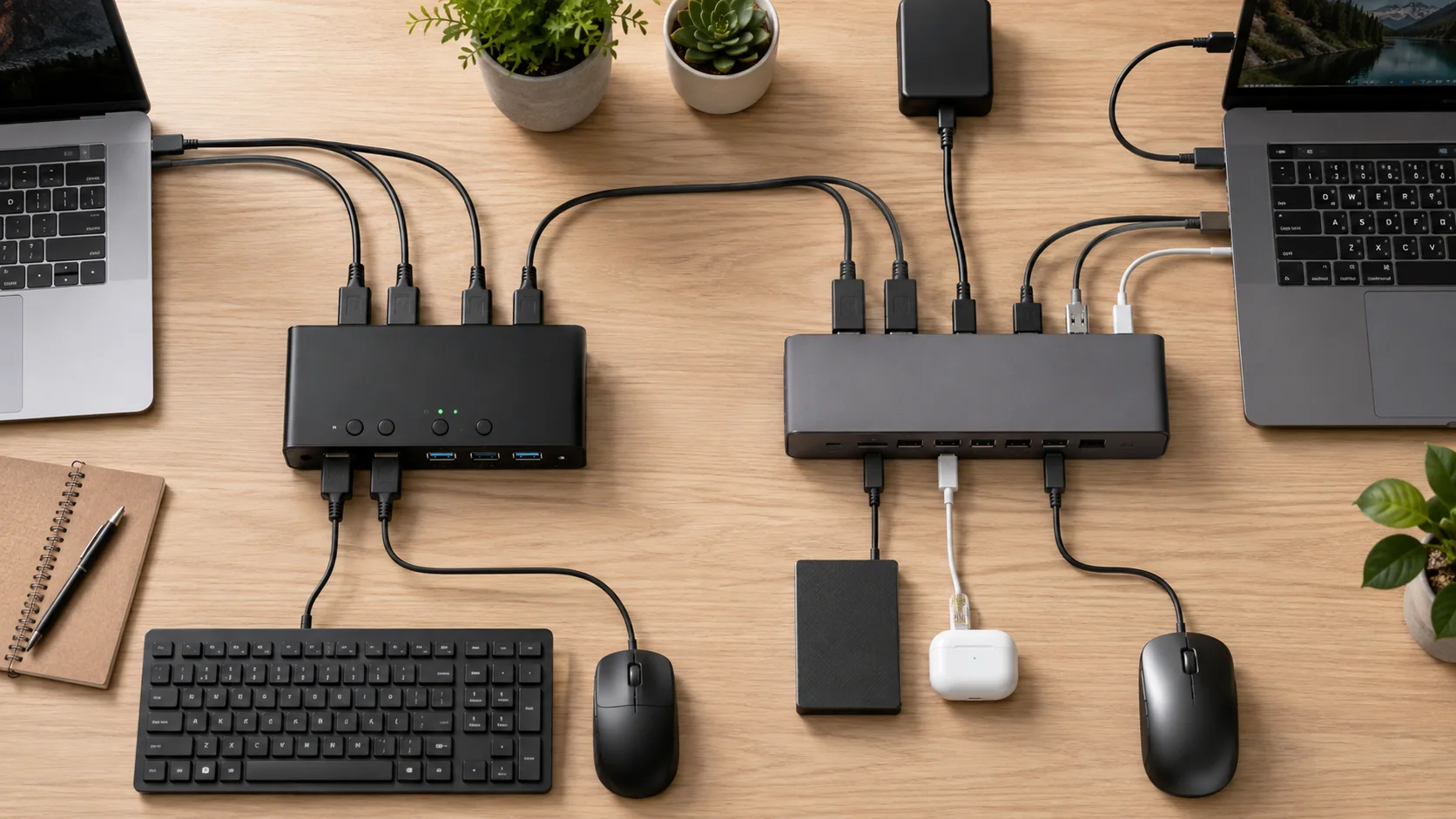
KVM vs Docking Station: Which Do You Actually Need?
Choose a dock, KVM, hybrid, peripheral switch, or no new hardware based on what your desk actually needs to share.
Home office compatibility, without the guesswork
Build a compatible workspace around the devices you already own.
Start with your computers, displays, peripherals, room, and workflow. SetupMeld explains what can work together, what needs verification, and what you may not need to buy.
A useful first read
New to SetupMeld? Start with these three guides.
Choose a dock, KVM, hybrid, peripheral switch, or no new hardware based on what your desk actually needs to share.
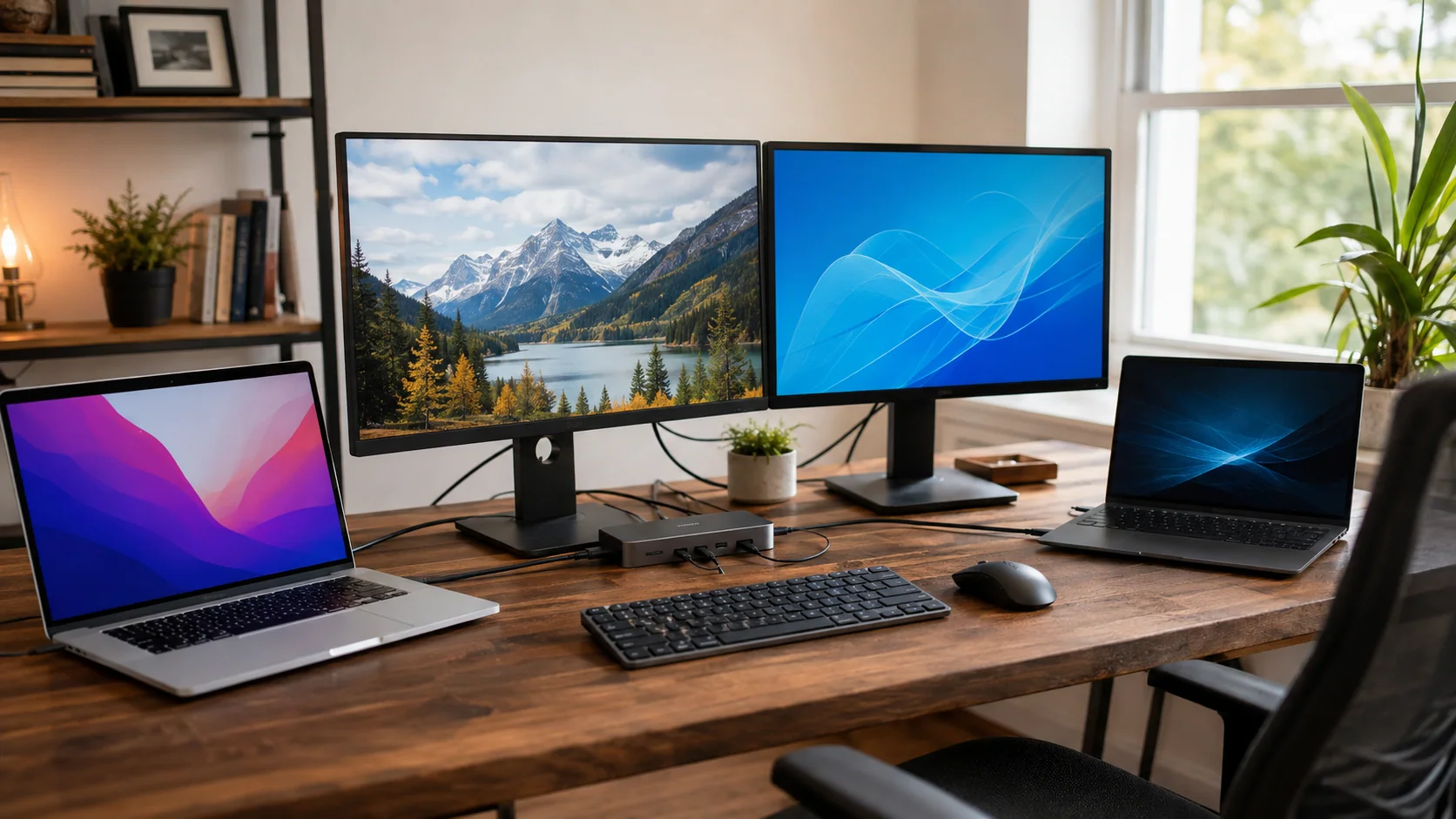
Compare practical ways to share two monitors and peripherals between a MacBook and a Windows laptop.
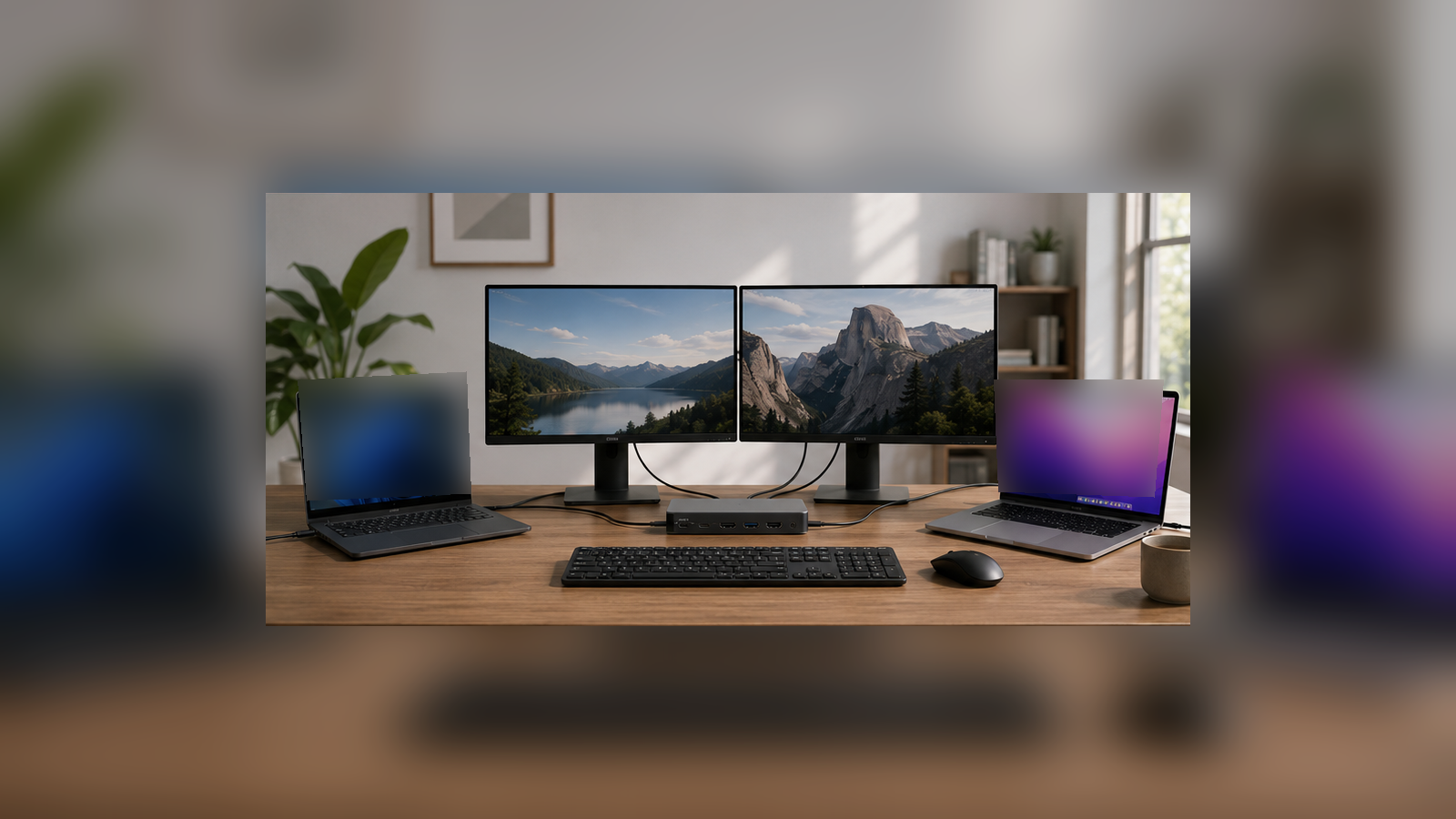
Check whether the AV Access iDock C20 fits your two-laptop, two-monitor desk, including Windows MST requirements, Mac limitations, USB-C video, and 60W charging.
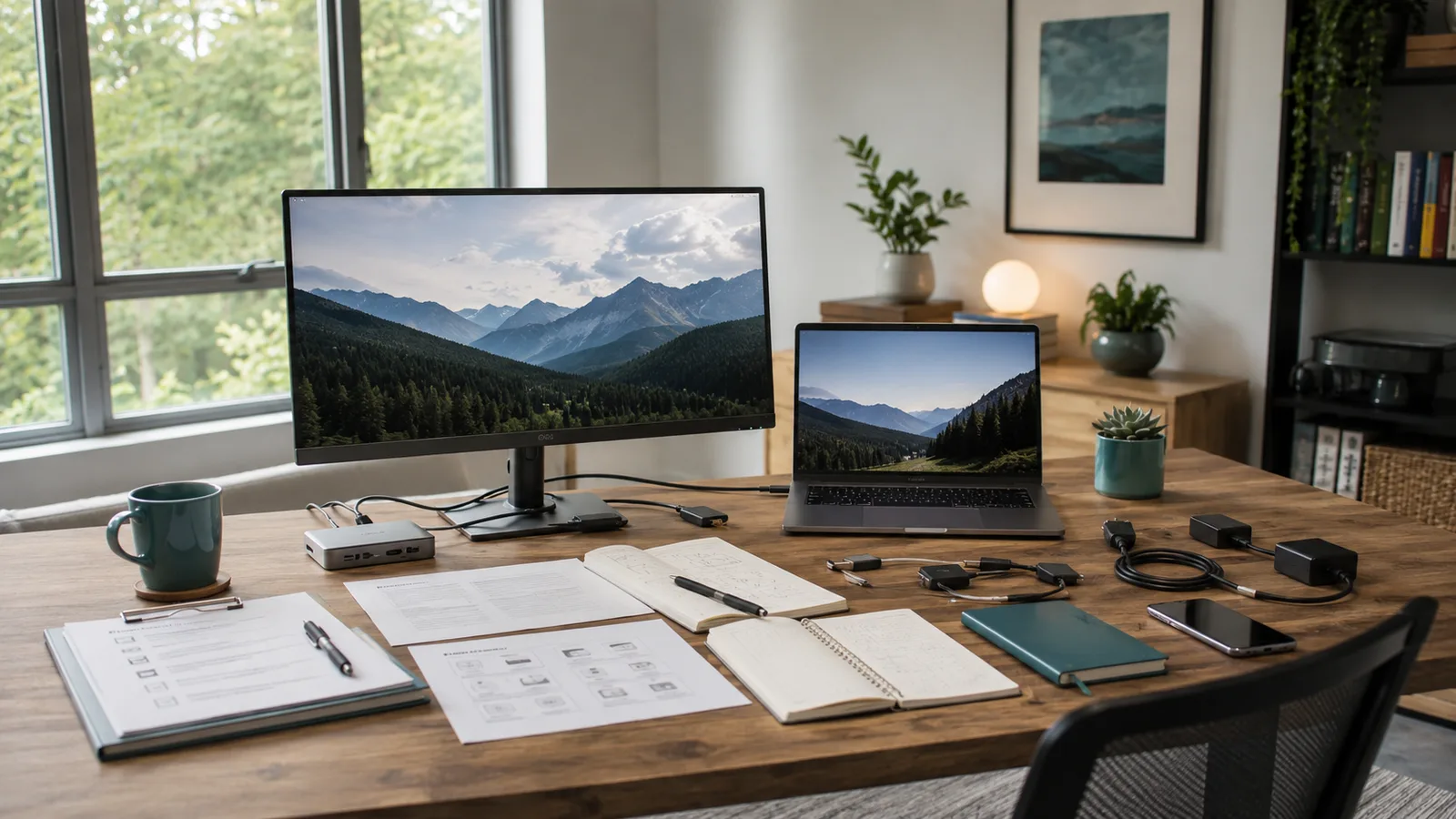
Spatial fit meets technical fit
A shared two-computer desk can be technically possible and still be awkward, noisy, cable-heavy, or badly matched to the work. SetupMeld treats space, workflow, and existing gear as part of the decision.
How SetupMeld thinks
SetupMeld connects the room people work in with the technical path their devices require, keeping each compatibility condition visible before a user chooses hardware.
Static method explanation — not a live compatibility verdict.
List each computer, display, and shared peripheral before considering new gear.
Map where video, USB data, power, and switching would need to travel.
Check host capabilities, ports, protocols, operating systems, and display requirements.
Keep working equipment and add only the parts a verified architecture requires.
Published guidance
Evidence-led help for choosing compatible docks, displays, switching paths, cables, and workspace connections.
Choose a dock, KVM, hybrid, peripheral switch, or no new hardware based on what your desk actually needs to share.
Compare practical ways to share two monitors and peripherals between a MacBook and a Windows laptop.
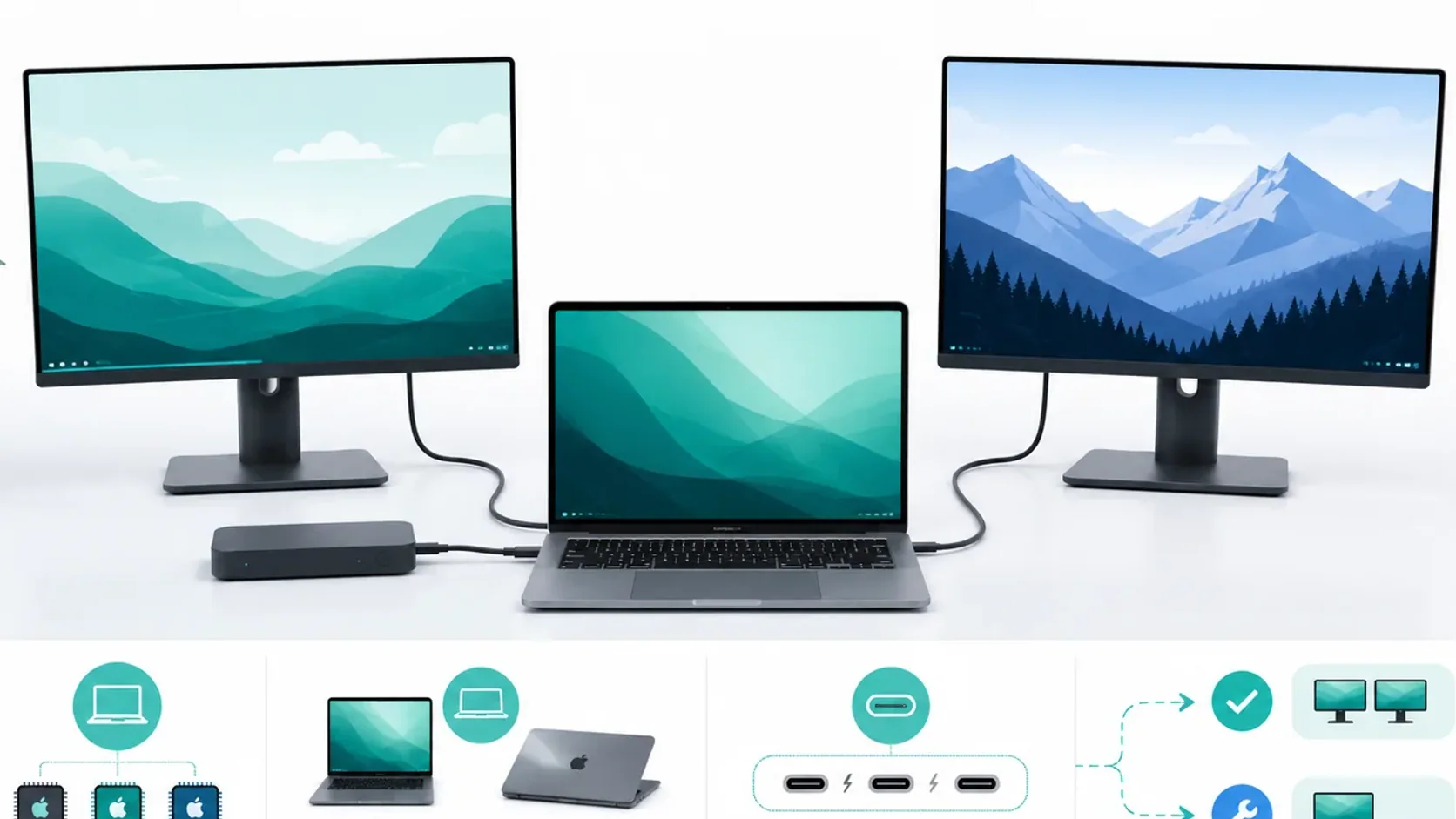
macOS typically mirrors instead of extending through DisplayPort MST hubs; check the Mac's native display limit and dock architecture first.
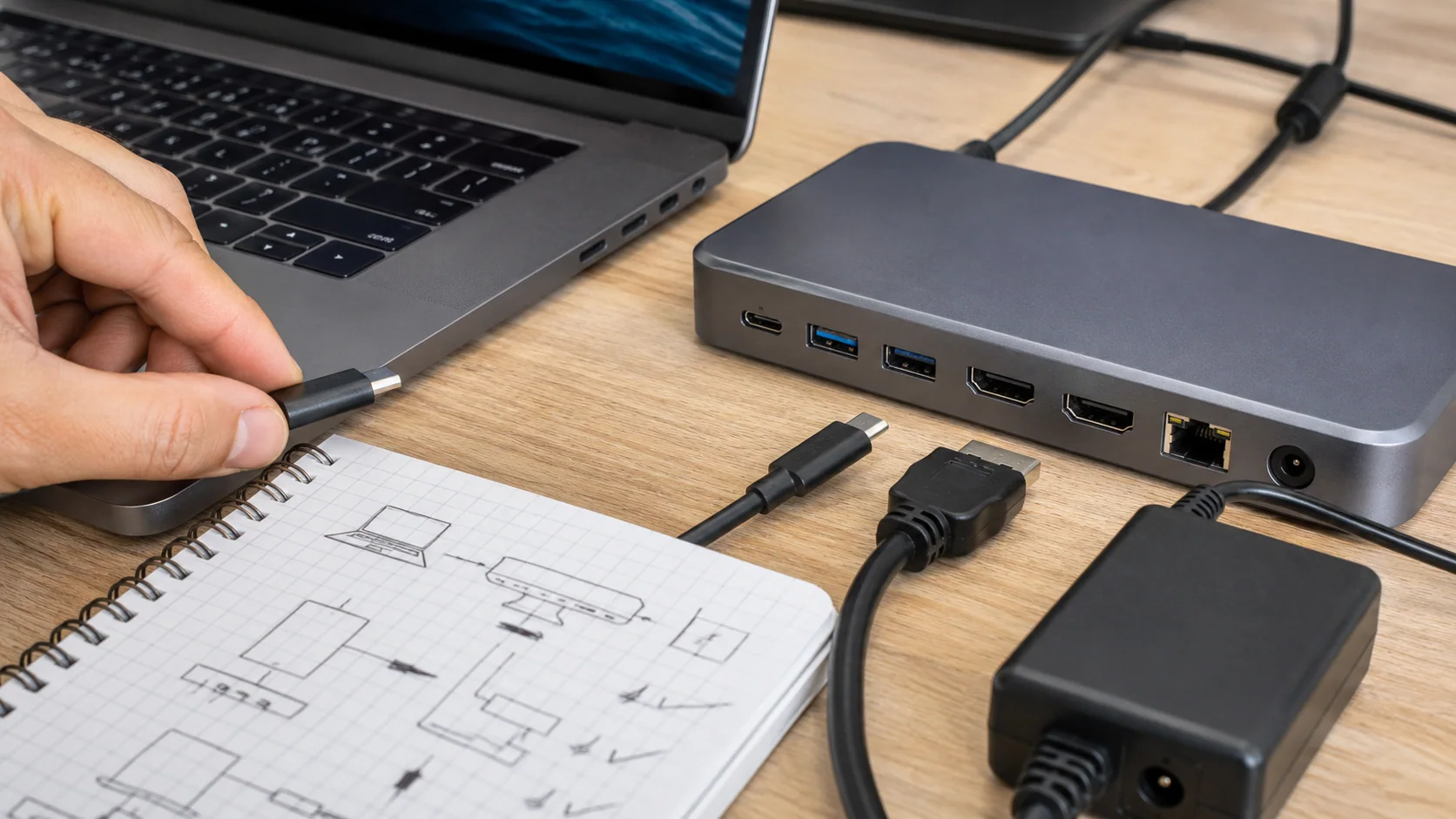
Compare eight real docking stations, KVM docks, and USB-C monitor hubs by host support, display limits, switching, USB, clamshell support, and Power Delivery.
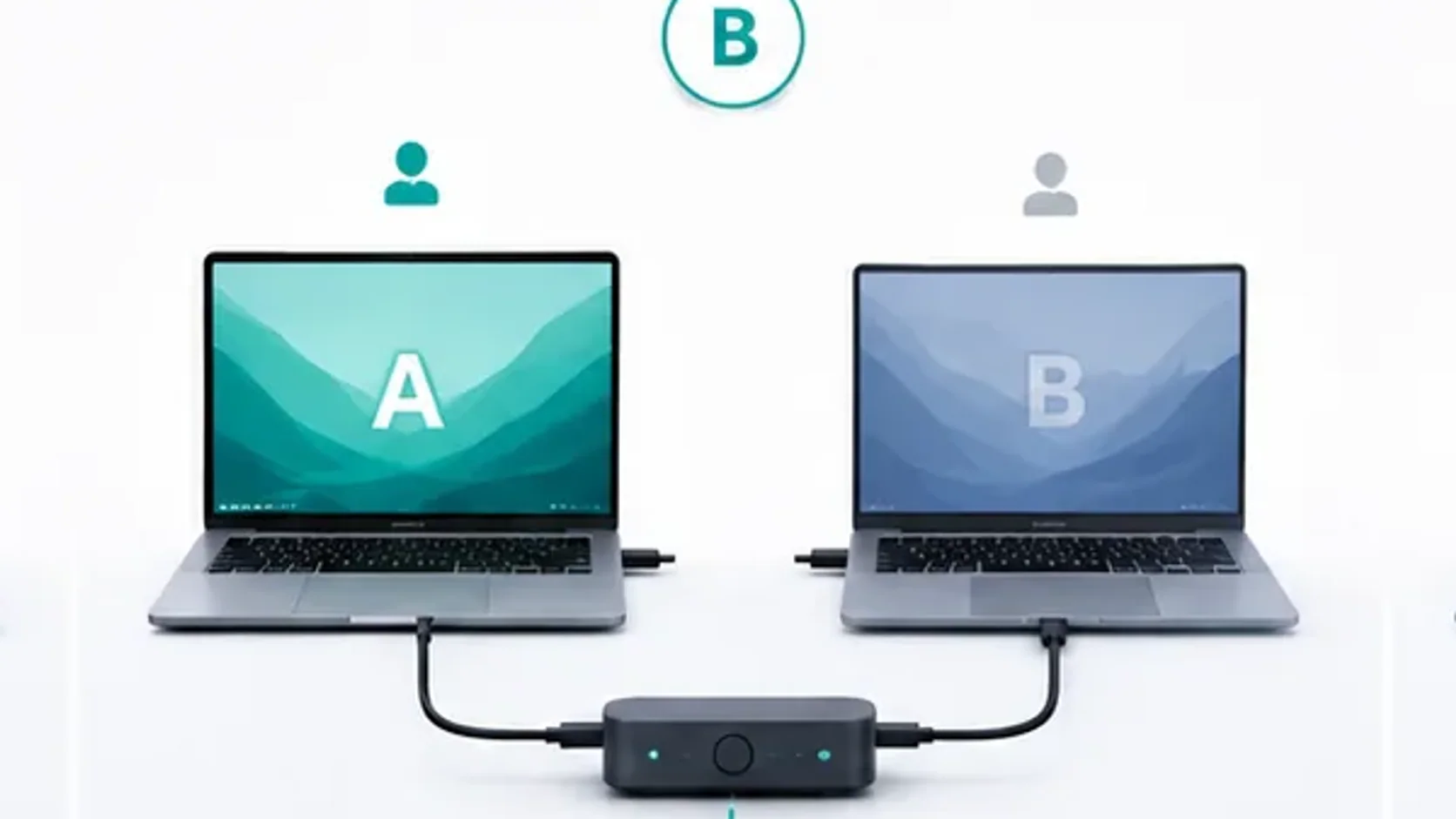
Compare manual reconnection, a verified switching layer, and purpose-built dual-host KVM docks without assuming USB-C compatibility.
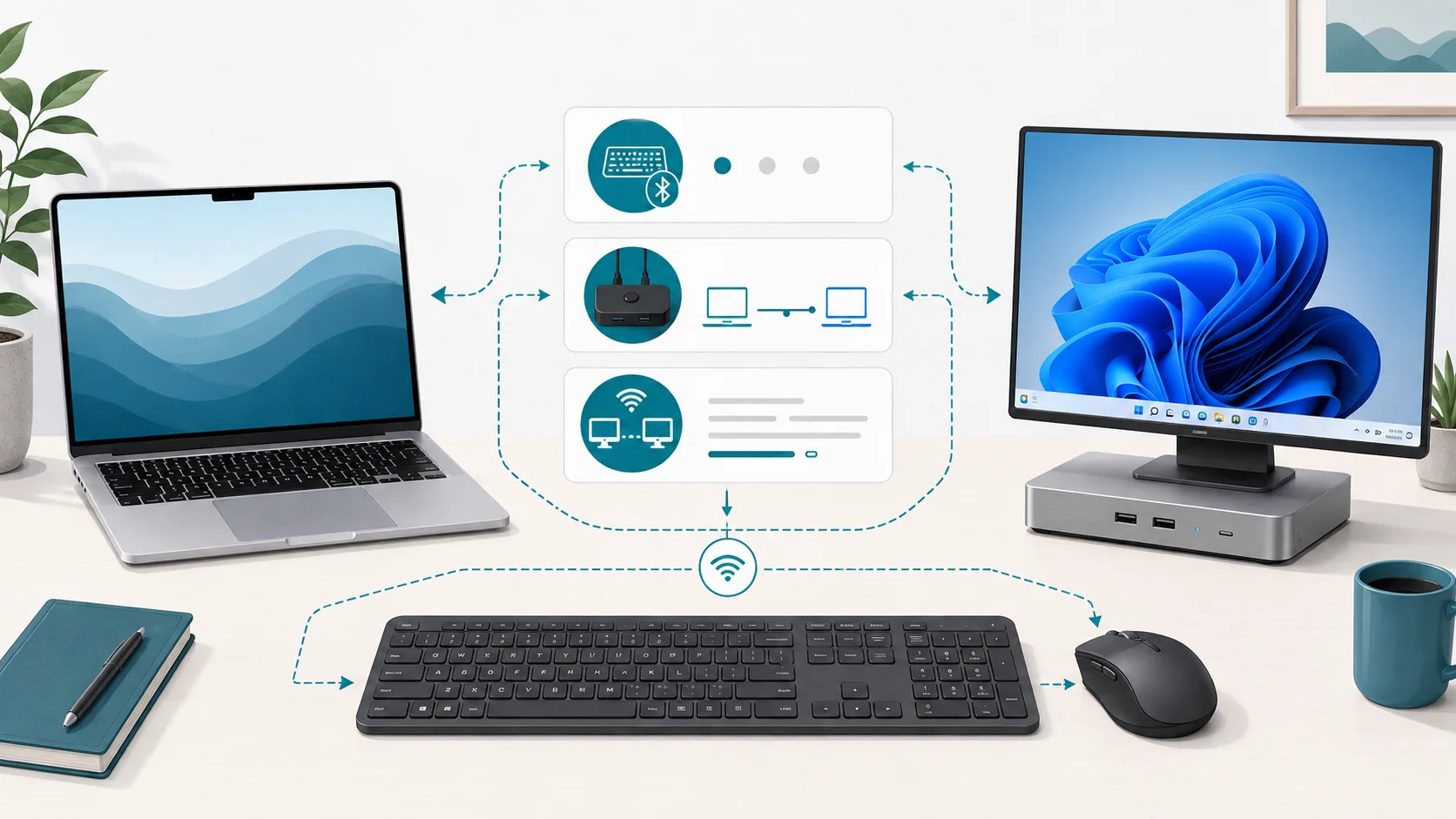
Compare seven keyboard and mouse sharing options for two computers: OS support, software, permissions, network needs and limits. Download the sourced table.
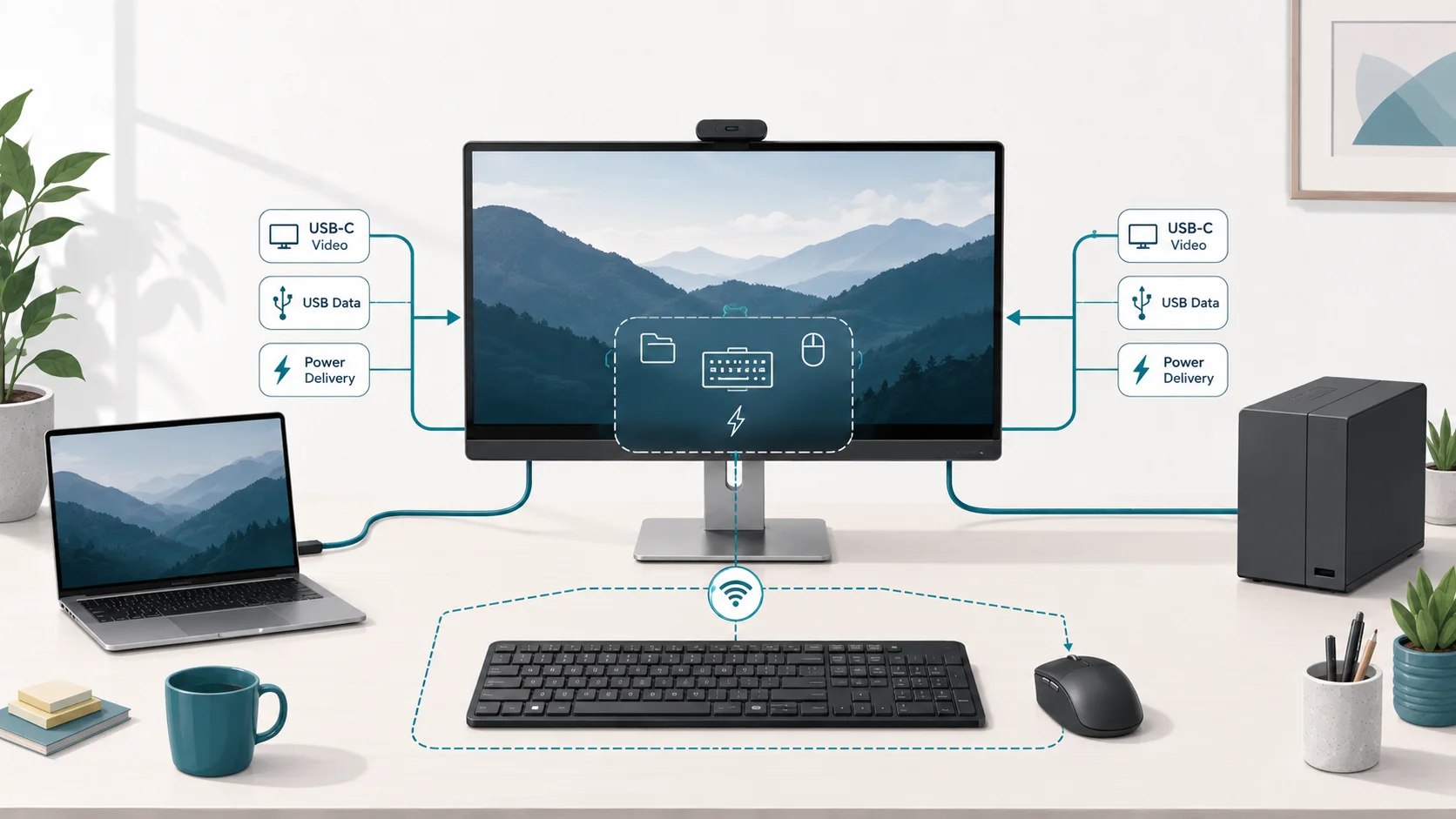
One USB-C host may carry video, USB data, and Power Delivery in one cable, while the second host often needs separate video and USB-upstream paths; check the monitor’s documented wattage before replacing an external switch or dock.
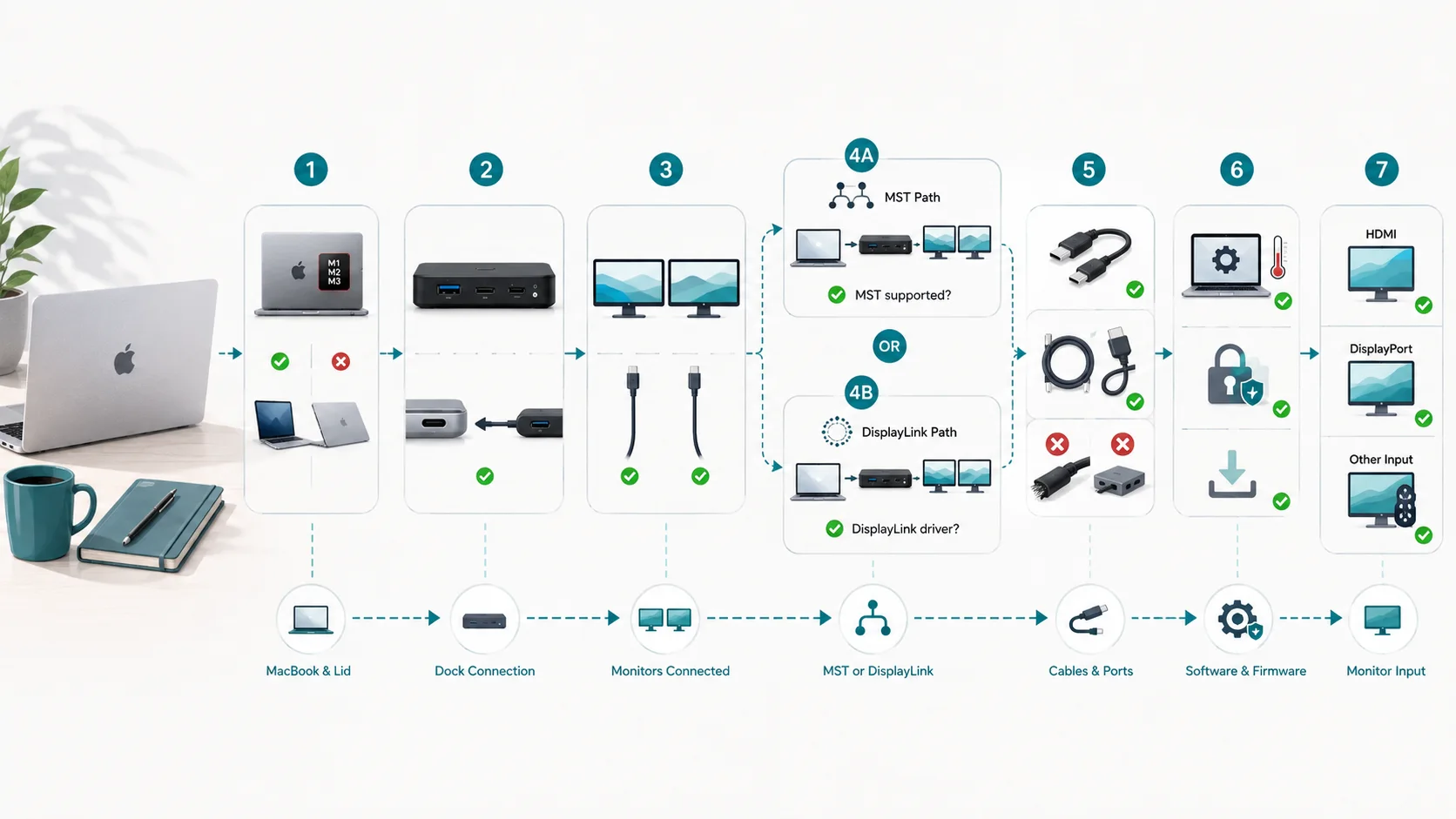
MacBook Pro display counts vary by chip, lid state, macOS version, and connection path; check Apple's exact-model support before blaming the dock.
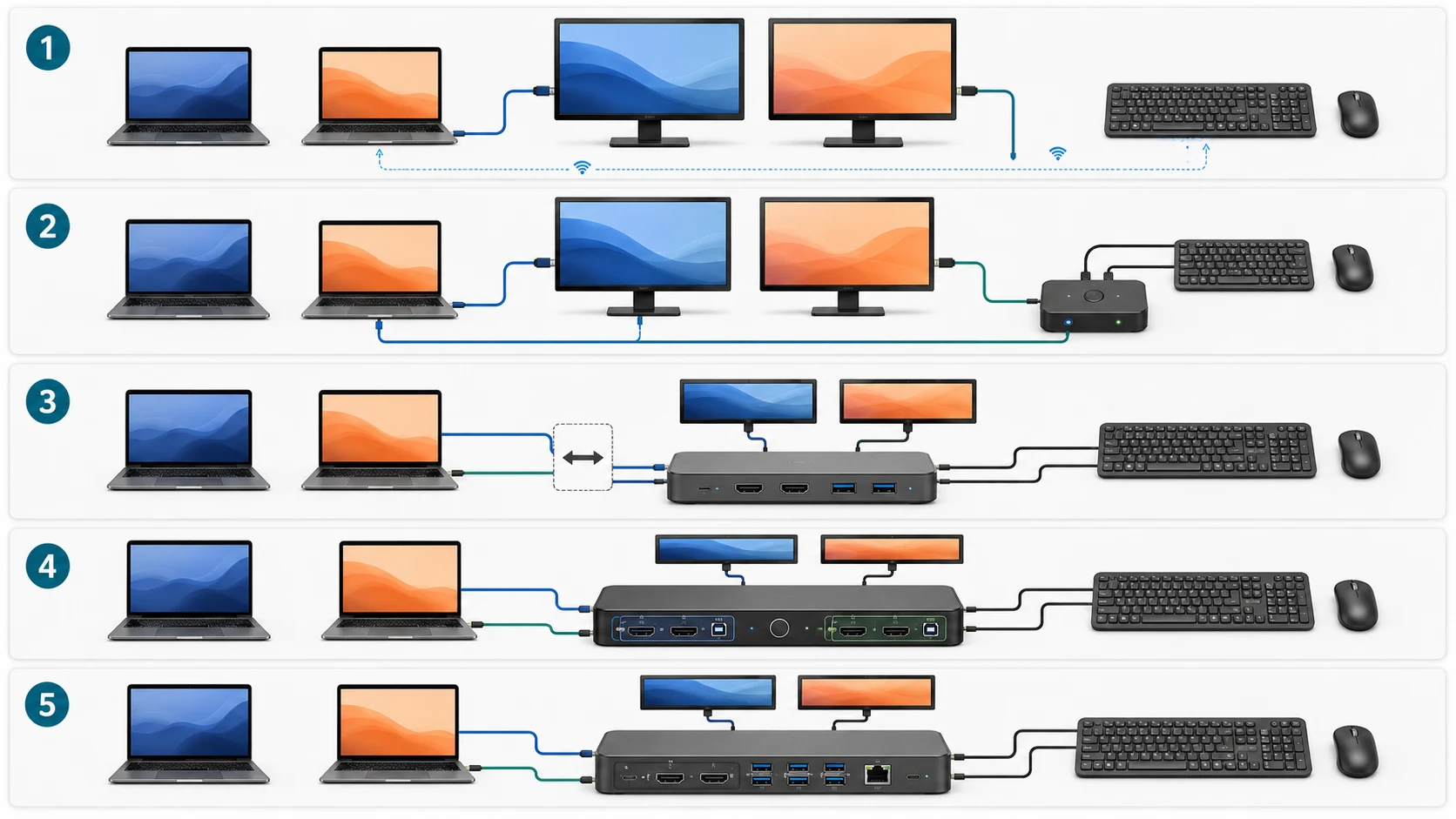
Share two monitors, one keyboard, and one mouse between two laptops without overbuying. Compare five desk architectures, costs, and compatibility risks.
Check whether the AV Access iDock C20 fits your two-laptop, two-monitor desk, including Windows MST requirements, Mac limitations, USB-C video, and 60W charging.
Share one keyboard and mouse between two Macs using Universal Control, existing multi-device gear, or a USB switch. Learn when you actually need a KVM.
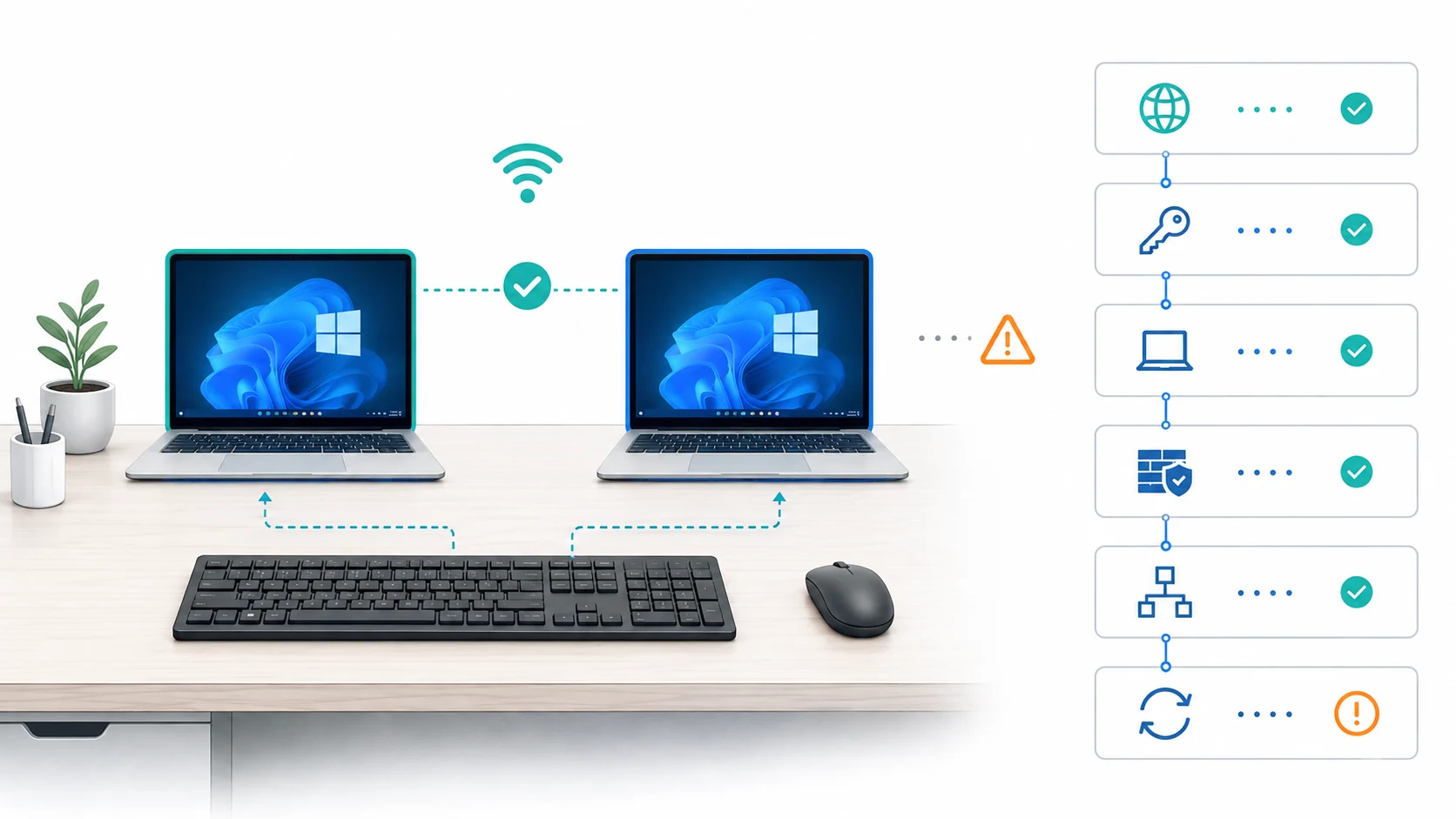
Reconnect PowerToys Mouse Without Borders by checking the security key, PC name, network path, firewall, and subnet before resetting the app.
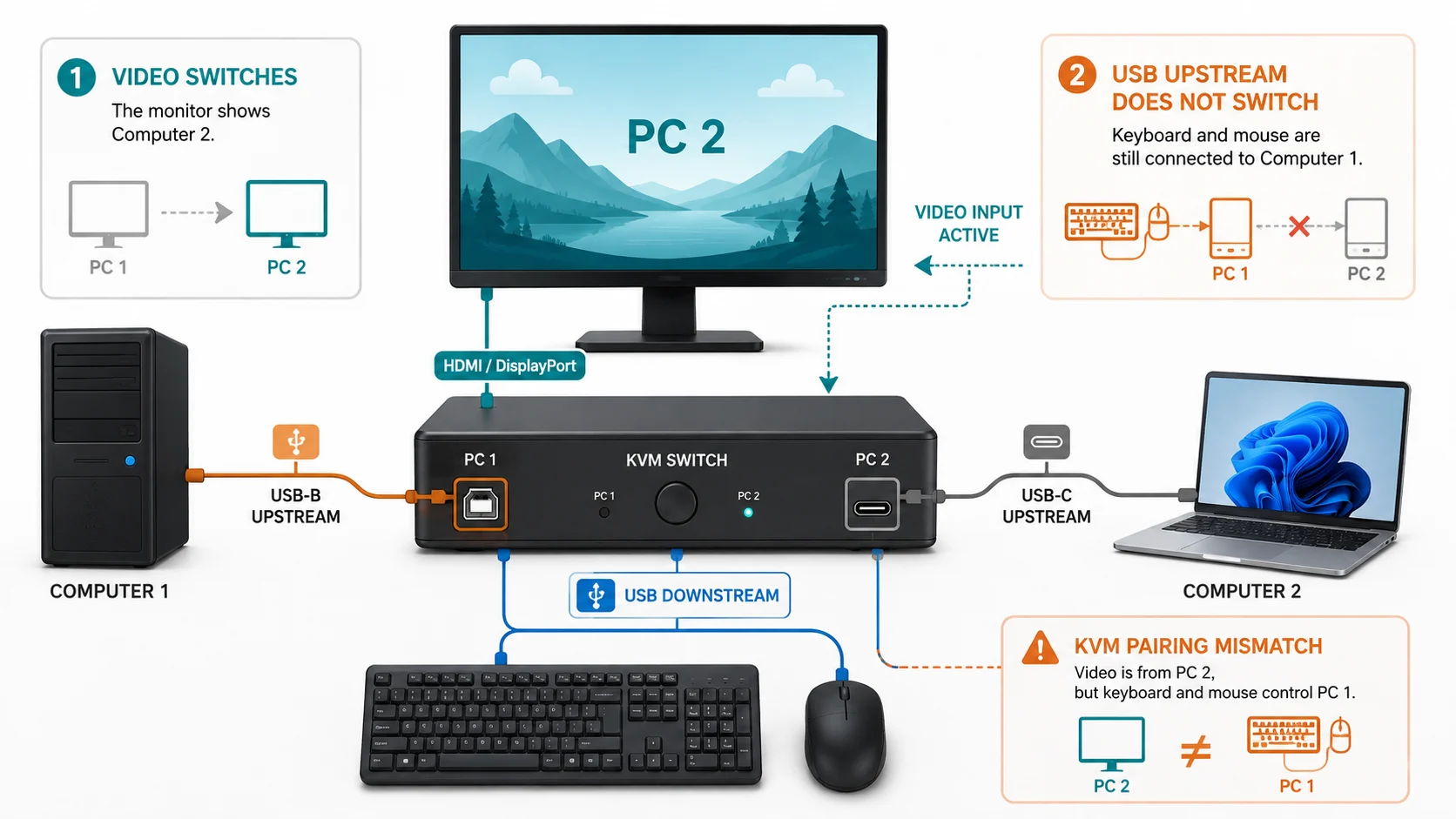
If your monitor changes video inputs but the keyboard and mouse stay on the wrong PC, troubleshoot the USB upstream path, KVM pairing, and OSD settings.
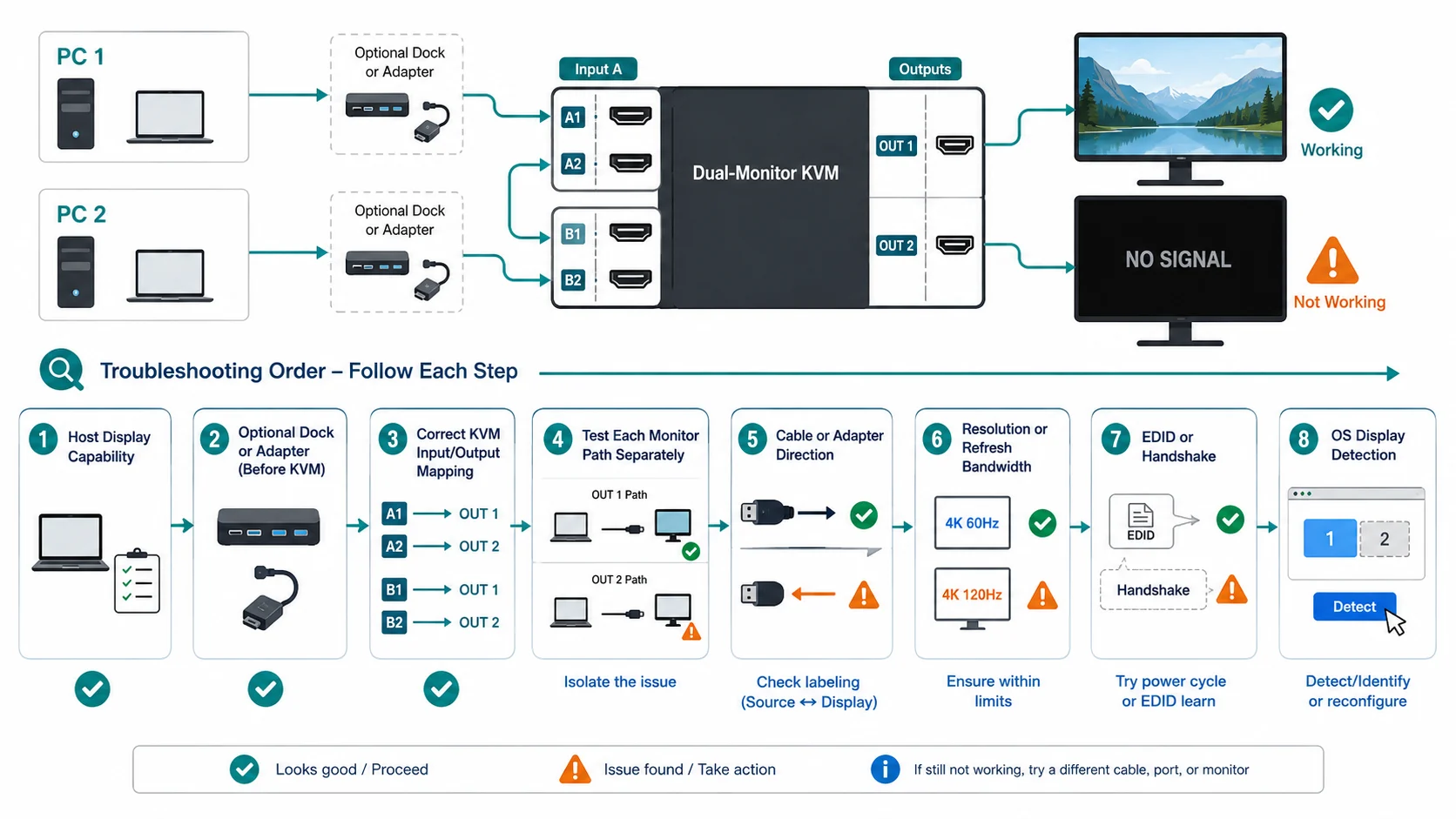
Fix a dual-monitor KVM when one screen works and the second is black by checking host display support, KVM mapping, cables, bandwidth, EDID, and OS detection.
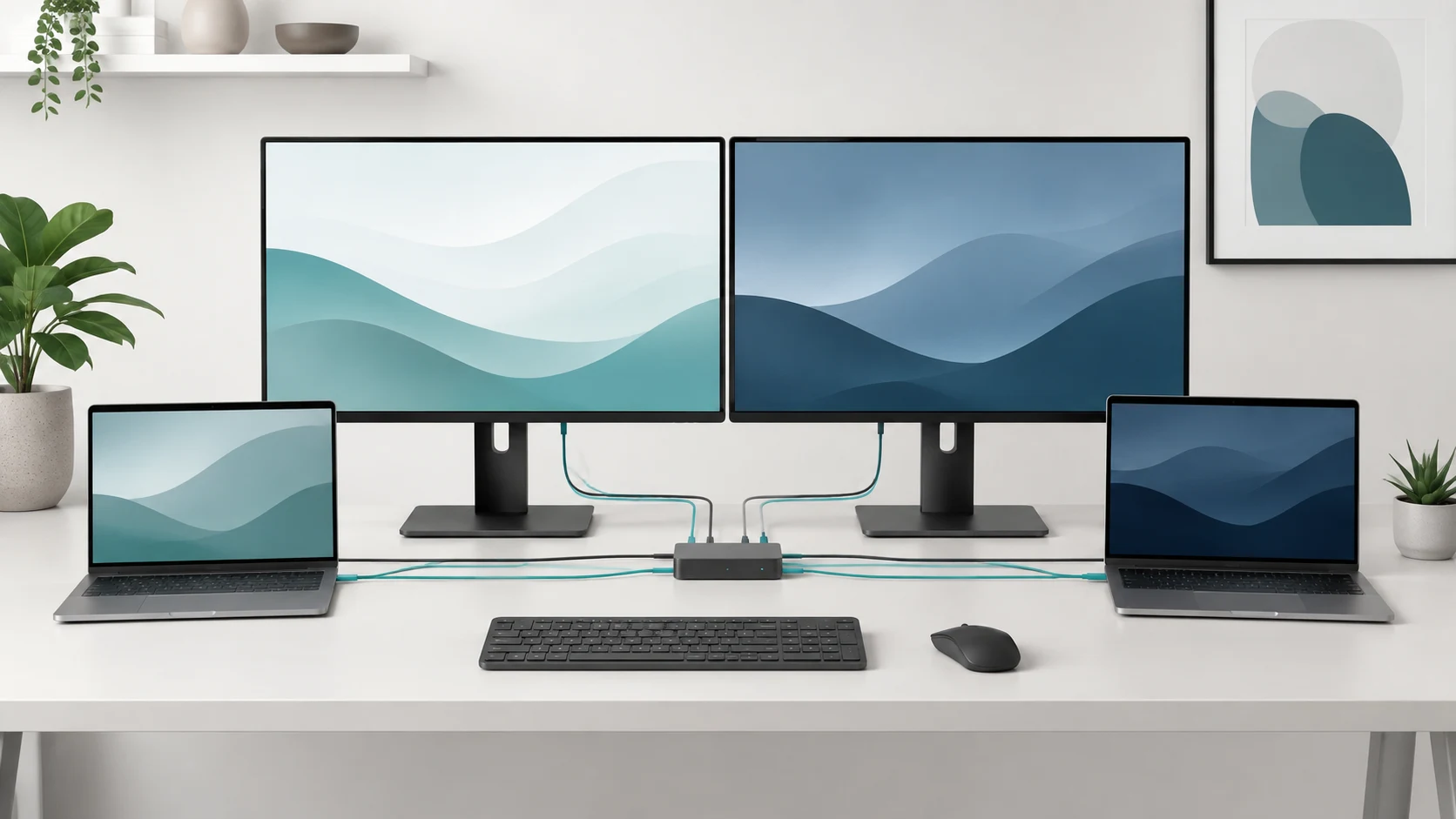
Set up a KVM switch for two computers by matching each host’s video paths, adapter direction, and USB control ports before you connect the switch.
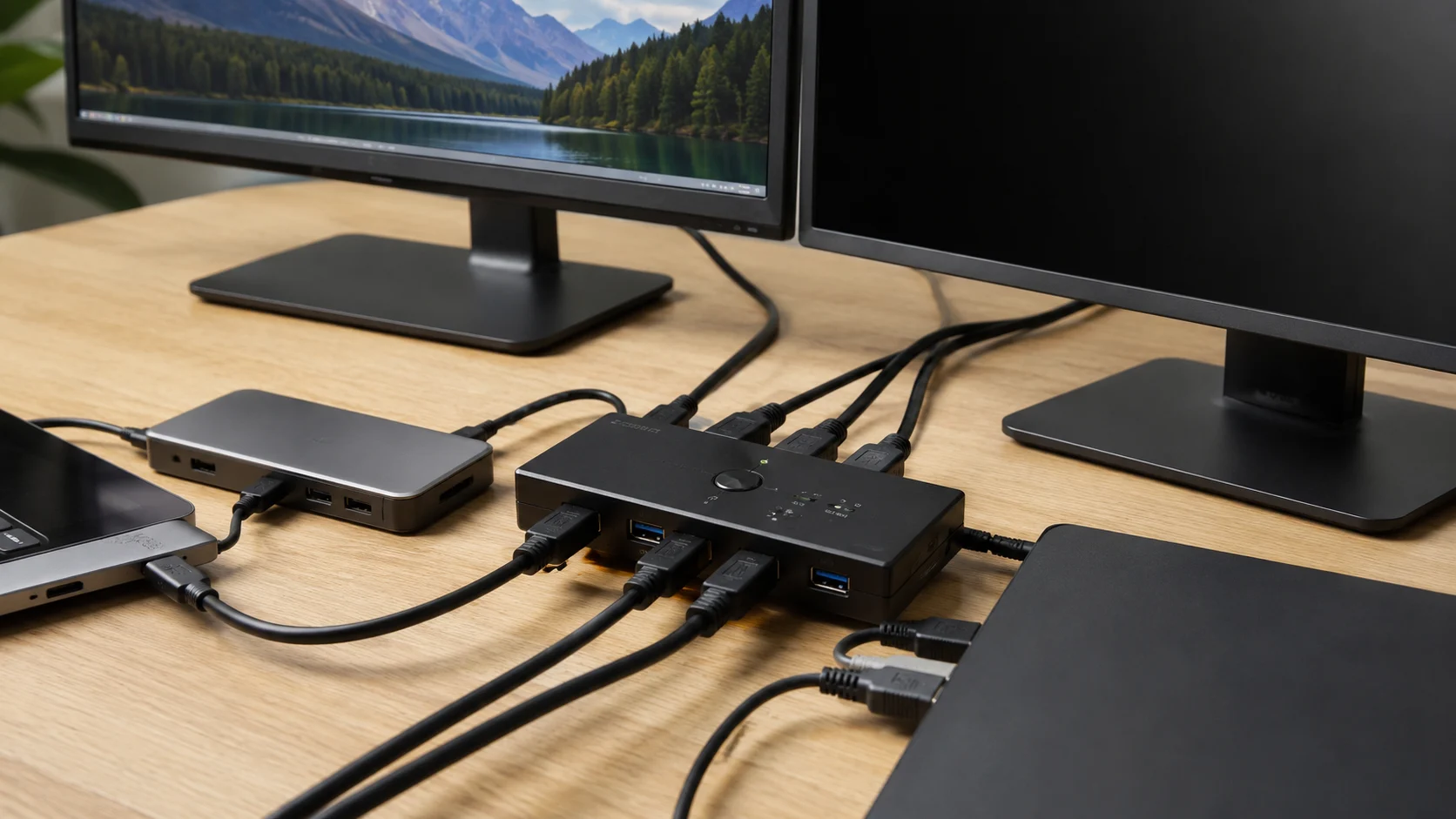
See the host outputs, KVM ports, and monitor modes that let two computers share two displays—and the stop signs that mean the setup will not work.
Compare monitor count, resolution, refresh rate, and the active-pixel demand before choosing a model, so a “4K” label does not hide an unsupported setup.
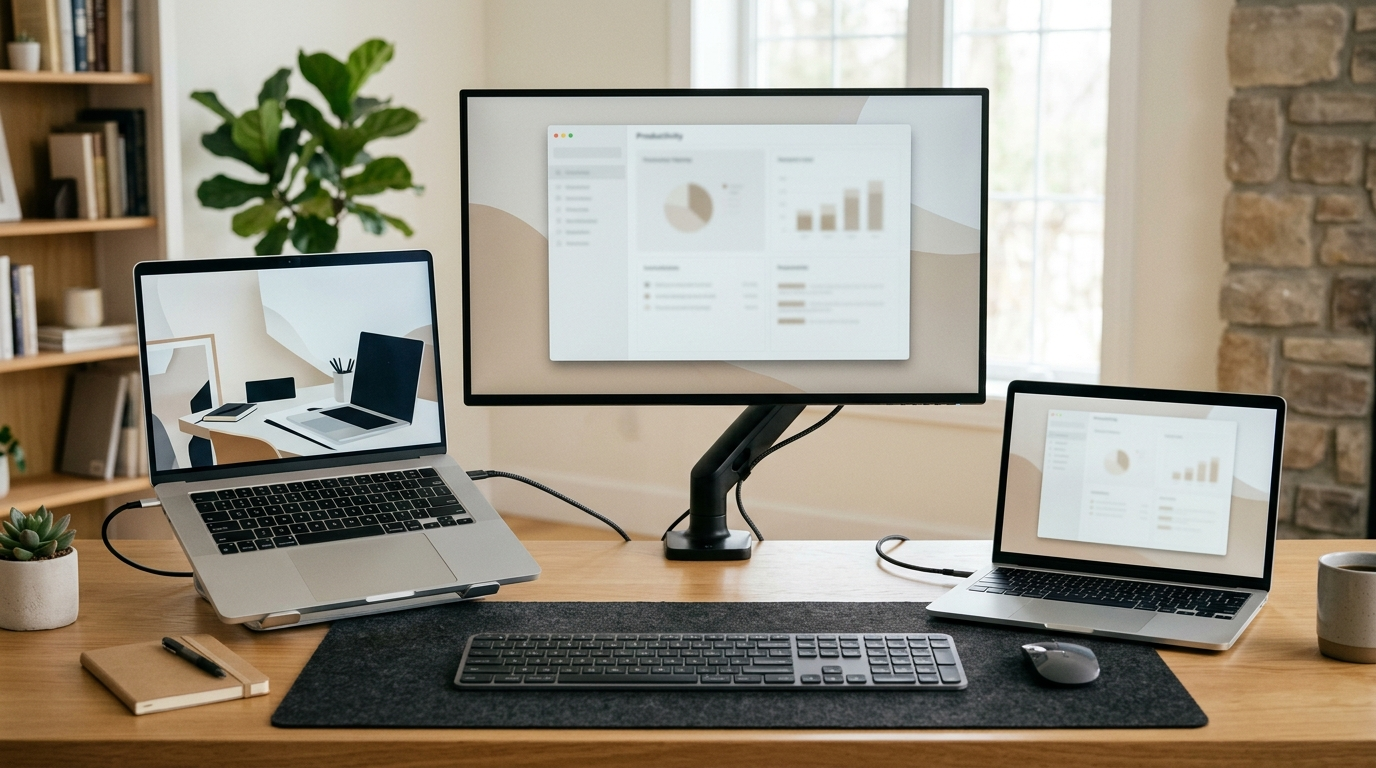
Share one monitor, keyboard, and mouse between two laptops using existing monitor inputs, a USB switch, a built-in monitor KVM, or a verified KVM.
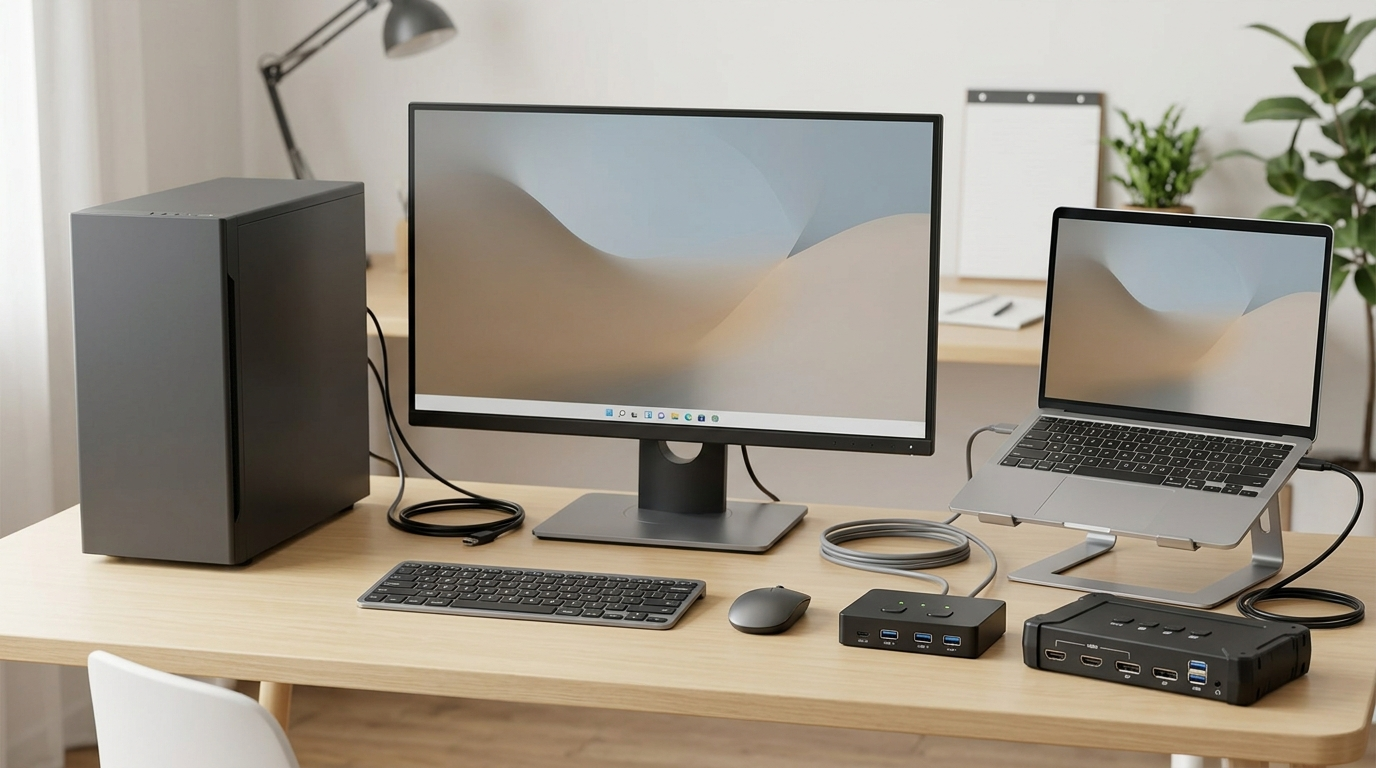
Choose a USB switch for peripheral-only sharing or a KVM when monitor video and USB devices need to switch together.
Learn when a USB switch can share a compatible DisplayLink dock and why normal USB switches do not replace USB-C, USB4, Thunderbolt, or charging paths.
Choose a shared-desk architecture for a gaming PC and work laptop while preserving required display modes, approved docking, and device-policy constraints.
Share one keyboard and mouse between two Windows PCs with Mouse Without Borders, Logitech Flow, Deskflow, or Synergy—and know when hardware is better.
Compare keyboard and mouse sharing software with a physical USB switch for two Windows PCs, including network, security, work-PC, and switching trade-offs.
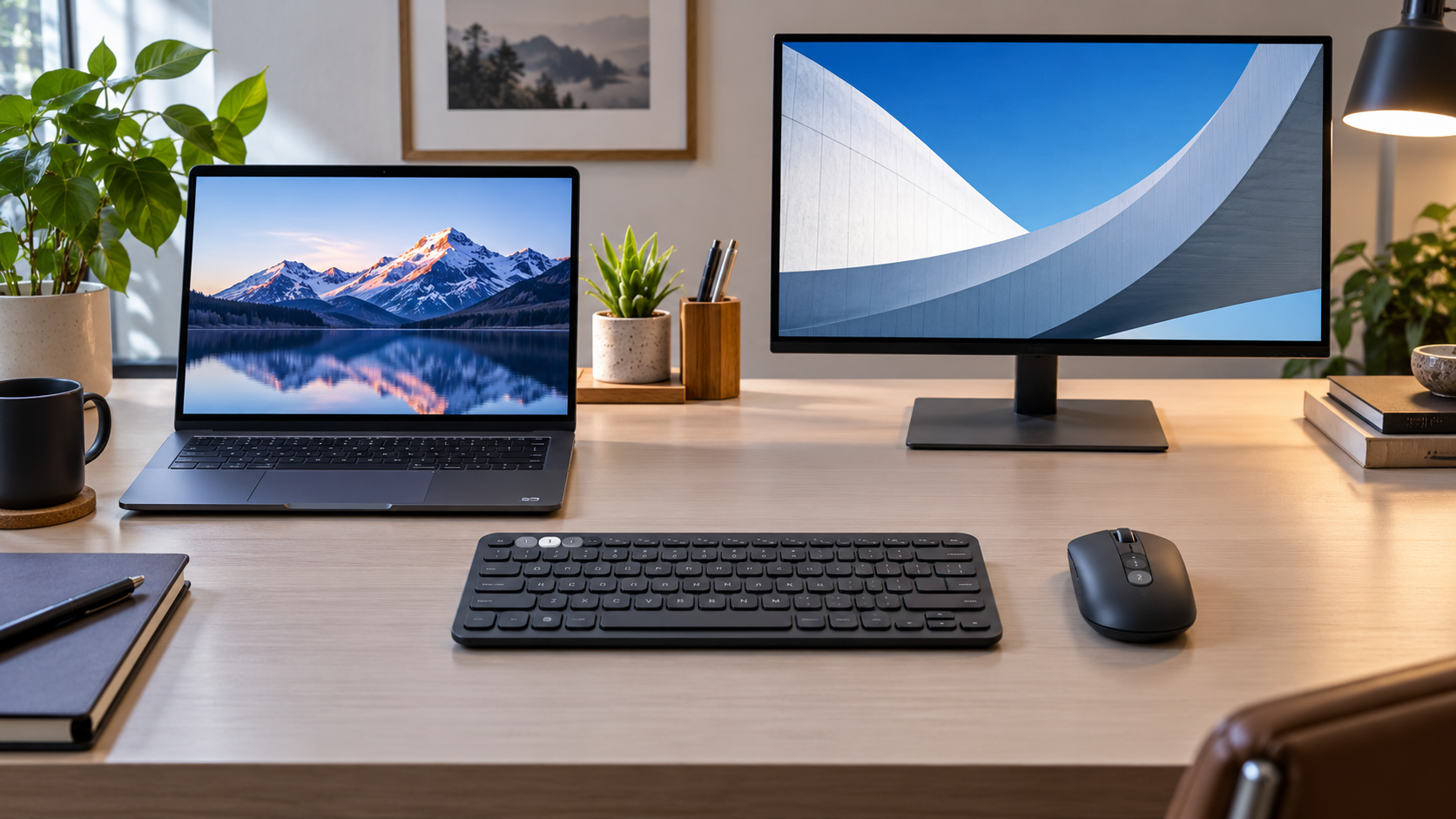
Software can feel seamless, while multi-device keyboard and mouse switching avoids LAN dependencies. Compare both for two Windows PCs before buying anything.
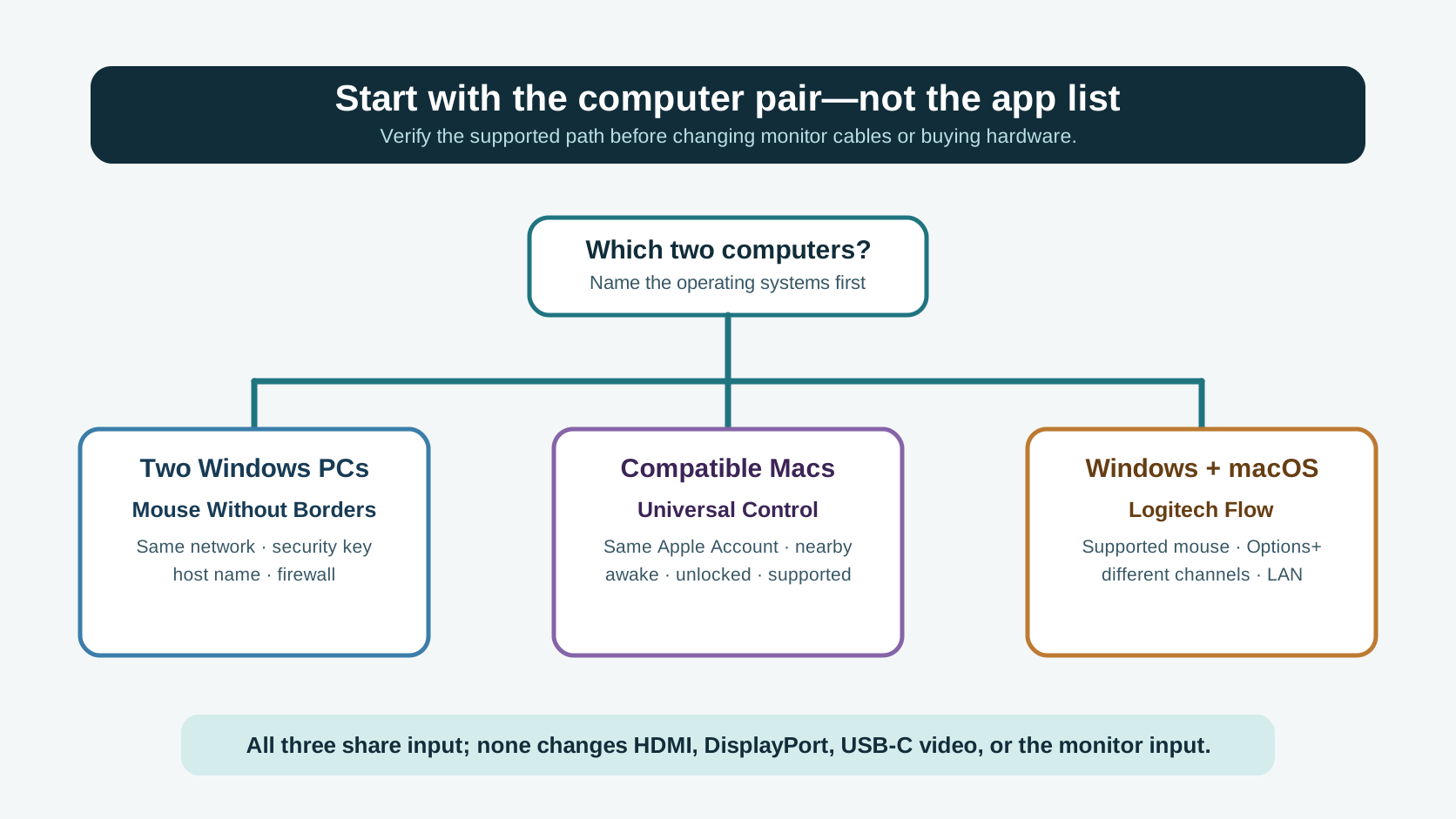
Choose keyboard and mouse sharing software by computer combination: Windows PCs, two Macs, or Windows and macOS—then test the network and display boundaries in order.
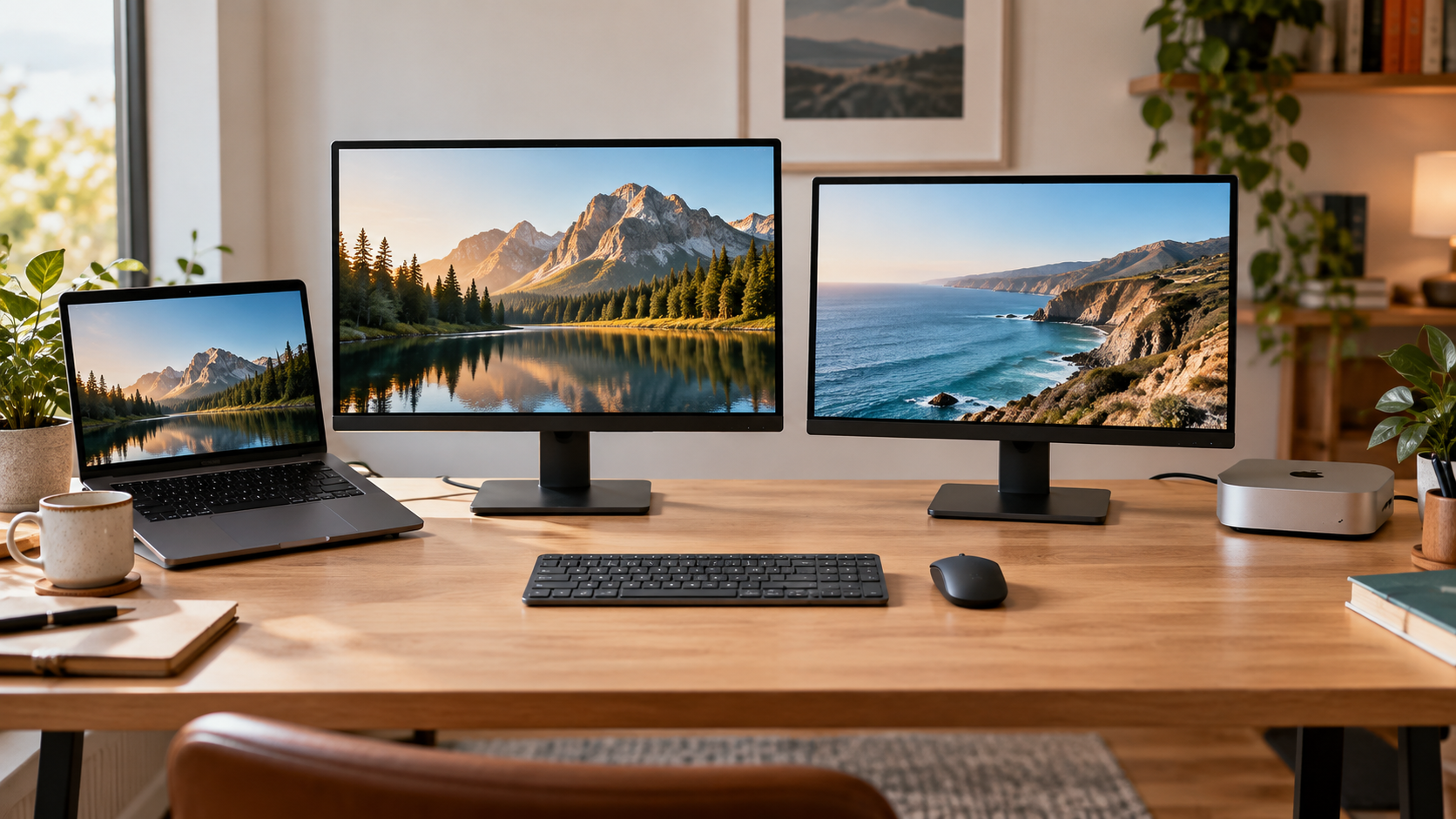
Share one mouse and keyboard while each computer keeps its own display: choose software, multi-device peripherals, or a USB switch based on network, policy, and video needs.
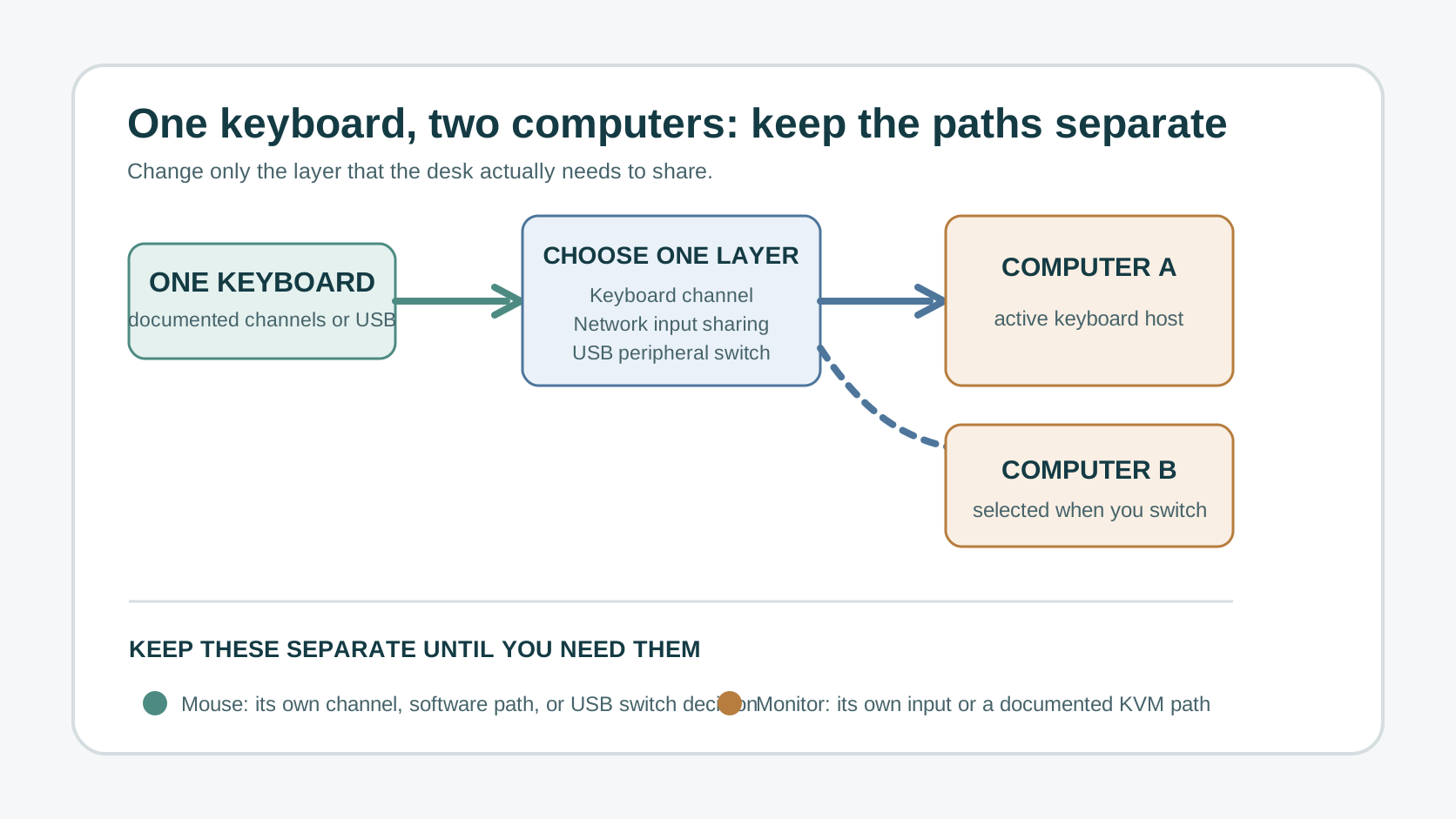
Use one keyboard with two computers by choosing keyboard channels, input-sharing software, or a USB switch—and keep the mouse and monitor paths separate.
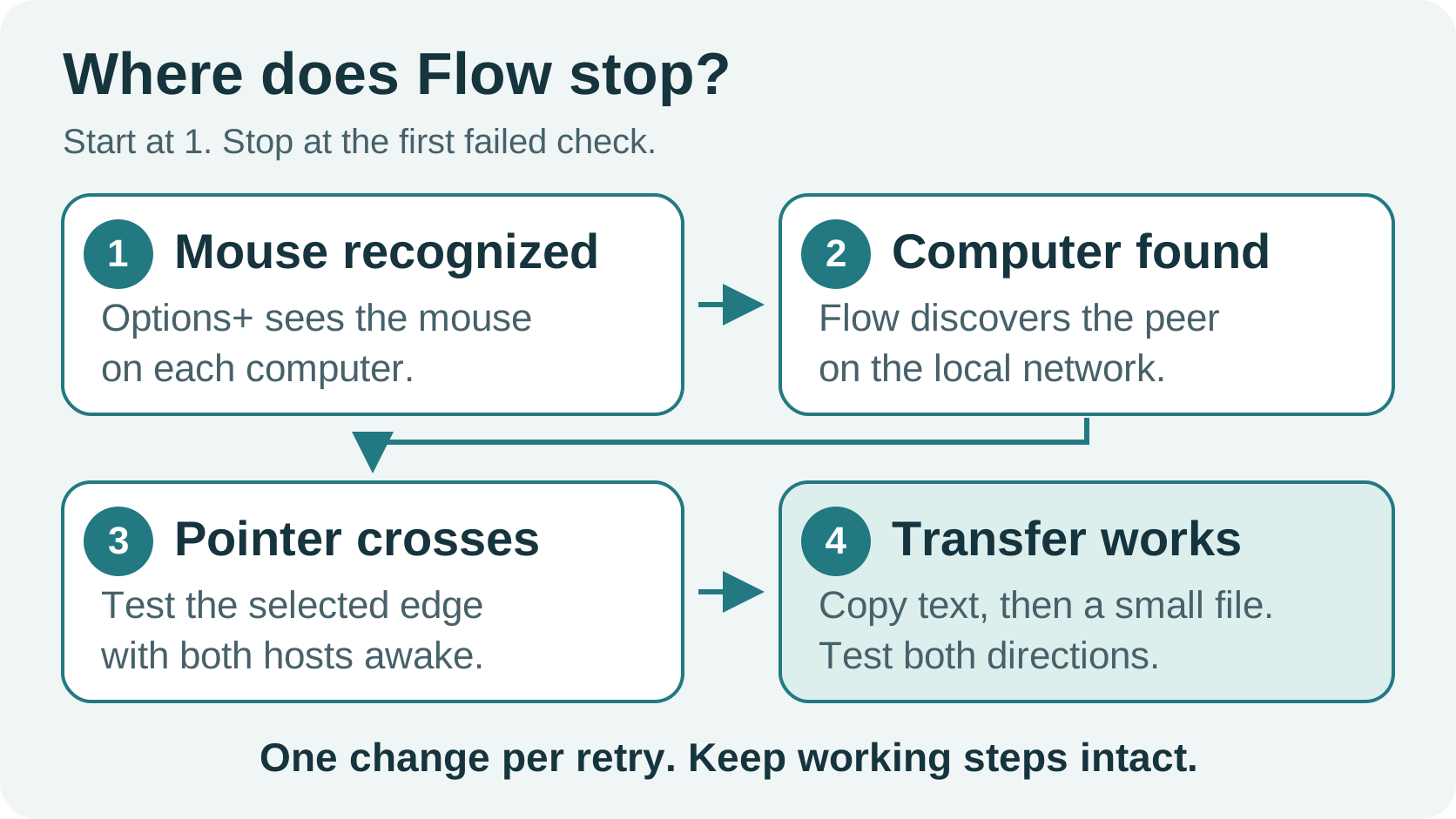
Fix Logitech Flow by separating device pairing, computer discovery, pointer handoff, and file-transfer failures before reinstalling or changing hardware.
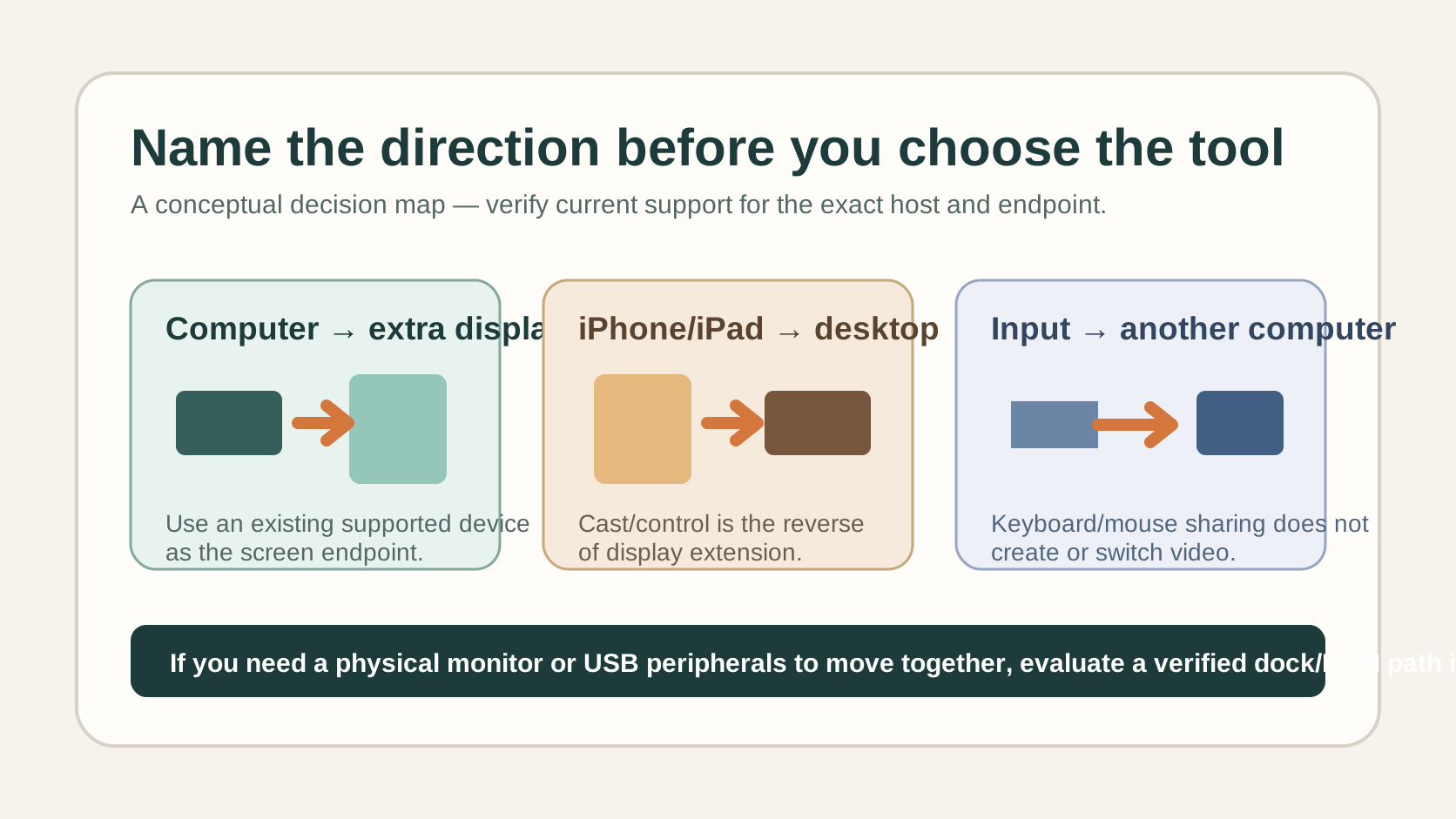
Decide whether Duet Display fits your desk by separating computer-to-display extension, iPhone/iPad casting, and keyboard/mouse sharing from hardware video switching.
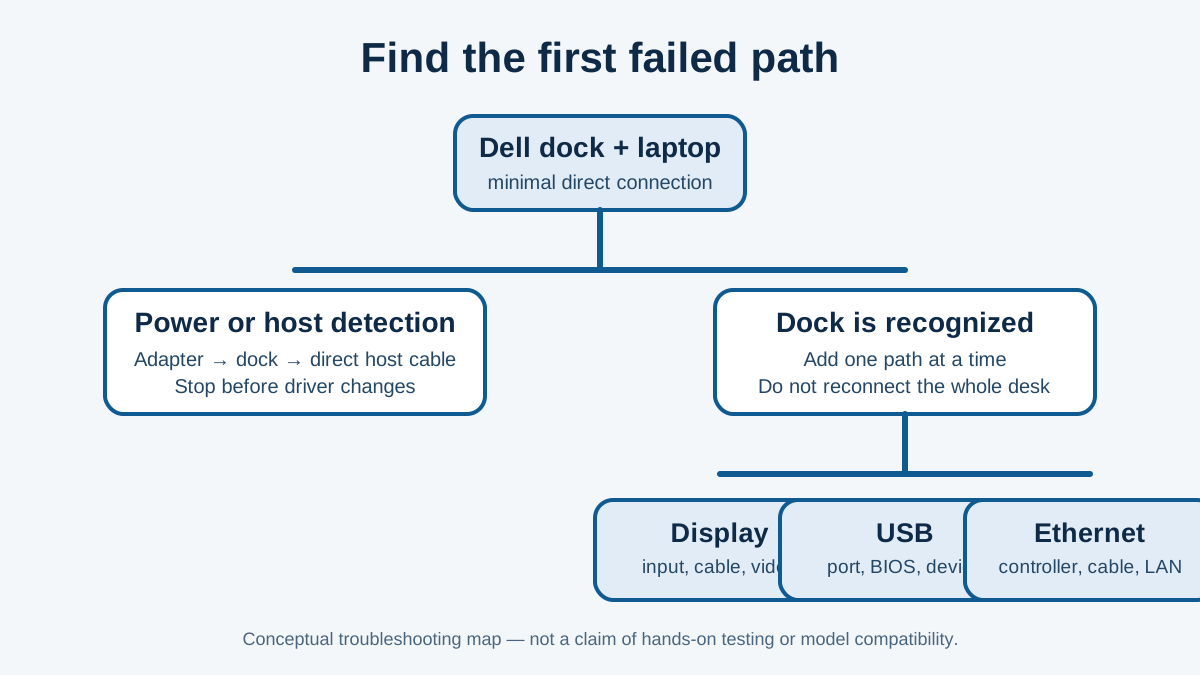
Troubleshoot a Dell dock by separating power, host detection, display, USB and Ethernet symptoms before you update firmware or replace hardware.
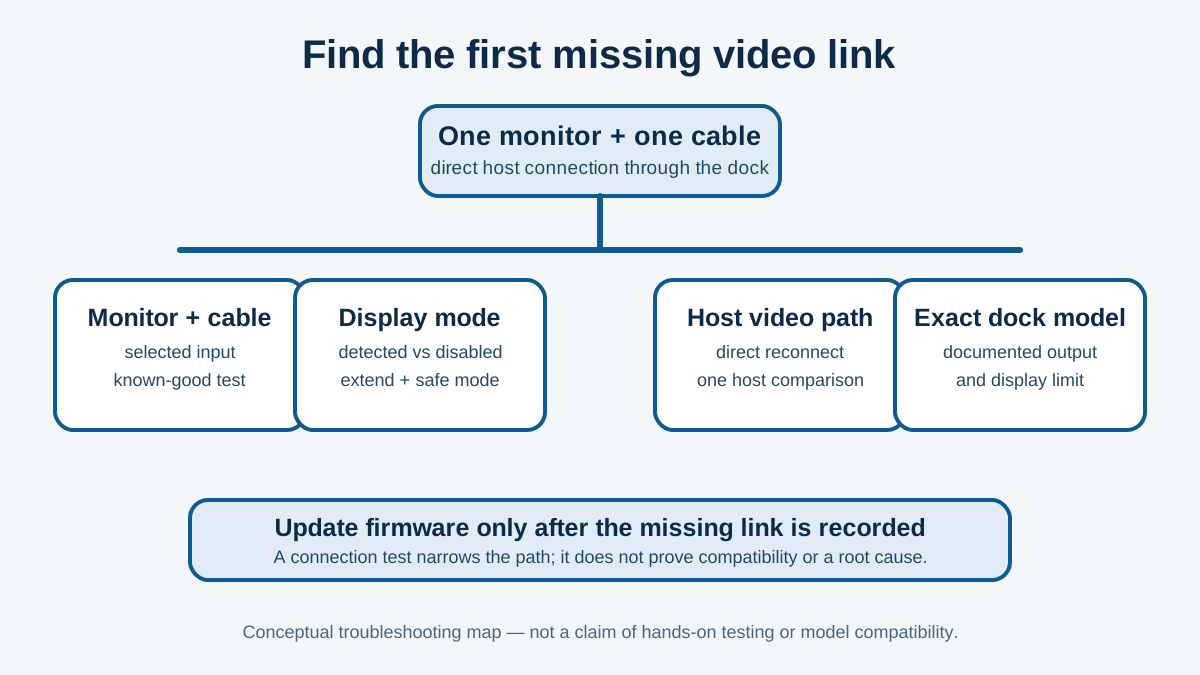
Troubleshoot a Dell dock when its monitor is not detected by separating the screen, cable, display mode, host video path, and dock model before updating firmware.
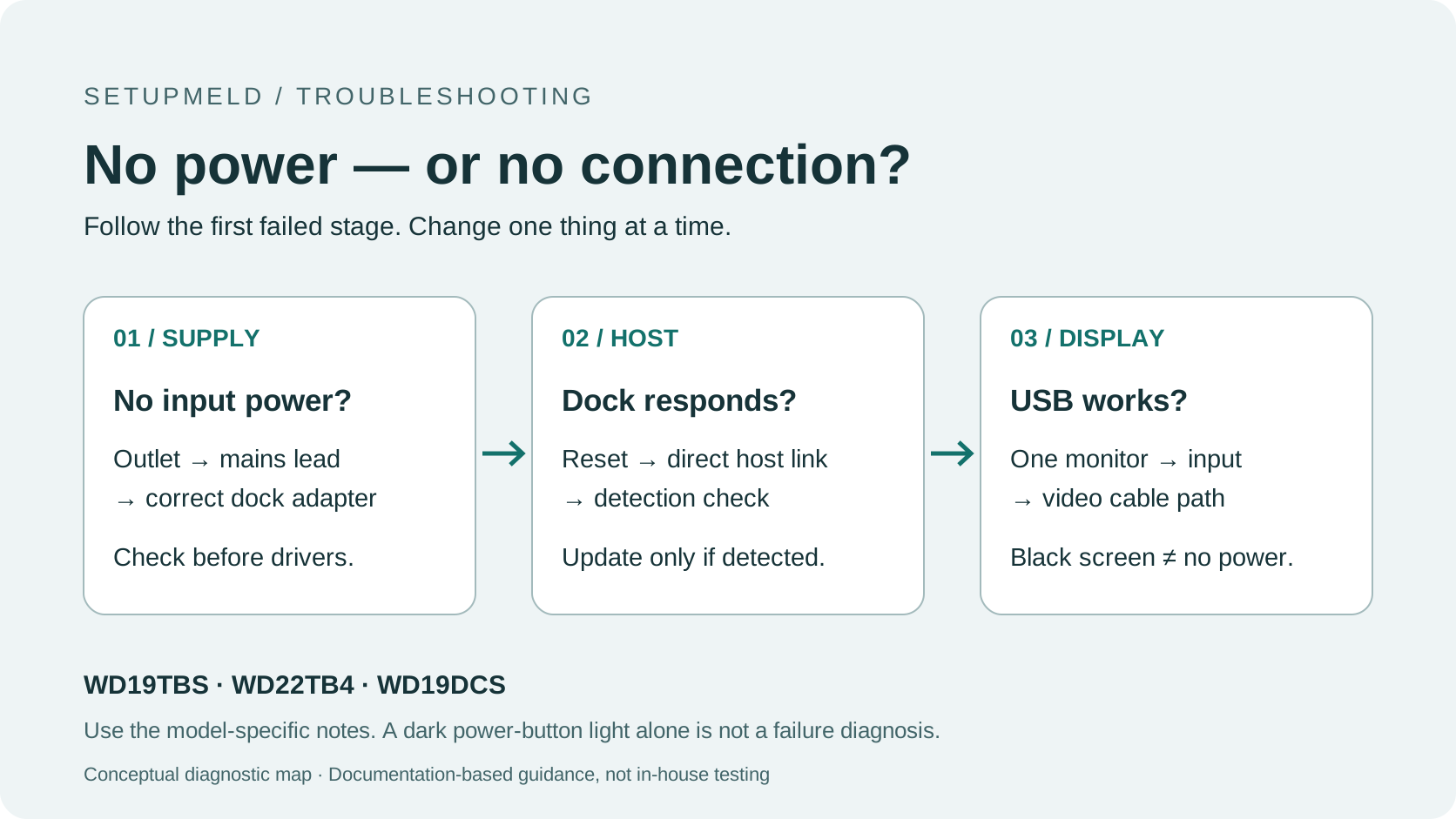
Check power, reset order and host detection on Dell WD19TBS, WD22TB4 and WD19DCS docks before updating firmware or replacing hardware.
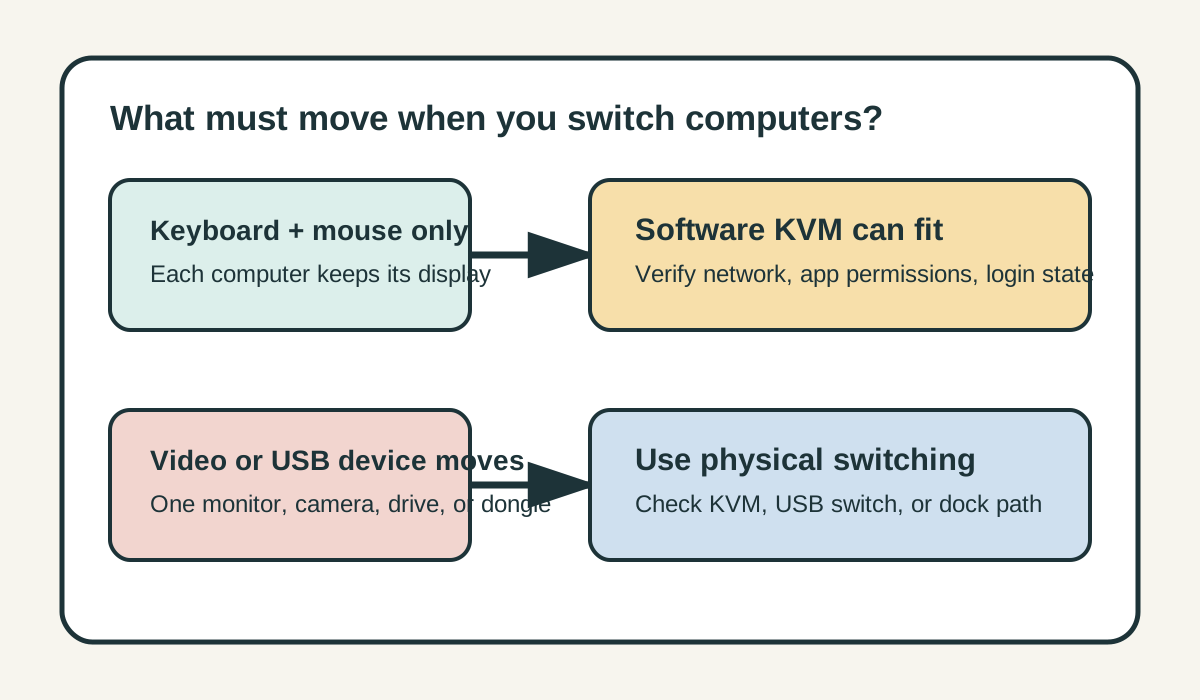
Use a software KVM for keyboard and mouse handoff on computers that keep their own displays; choose physical switching when you must move video or USB devices too.
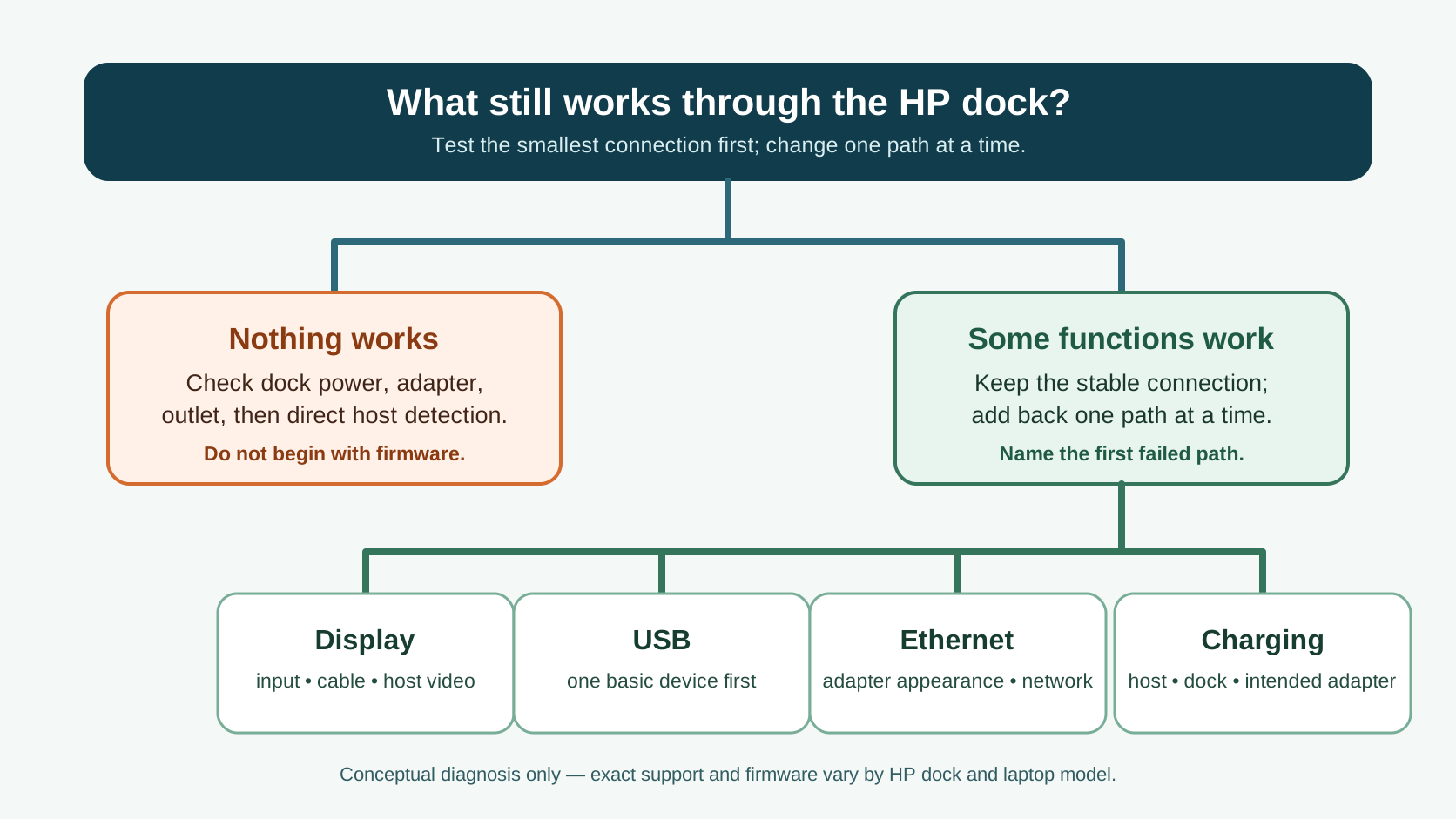
Troubleshoot an HP dock by separating power and host detection from a single display, USB, network, or charging failure before updating firmware or replacing hardware.
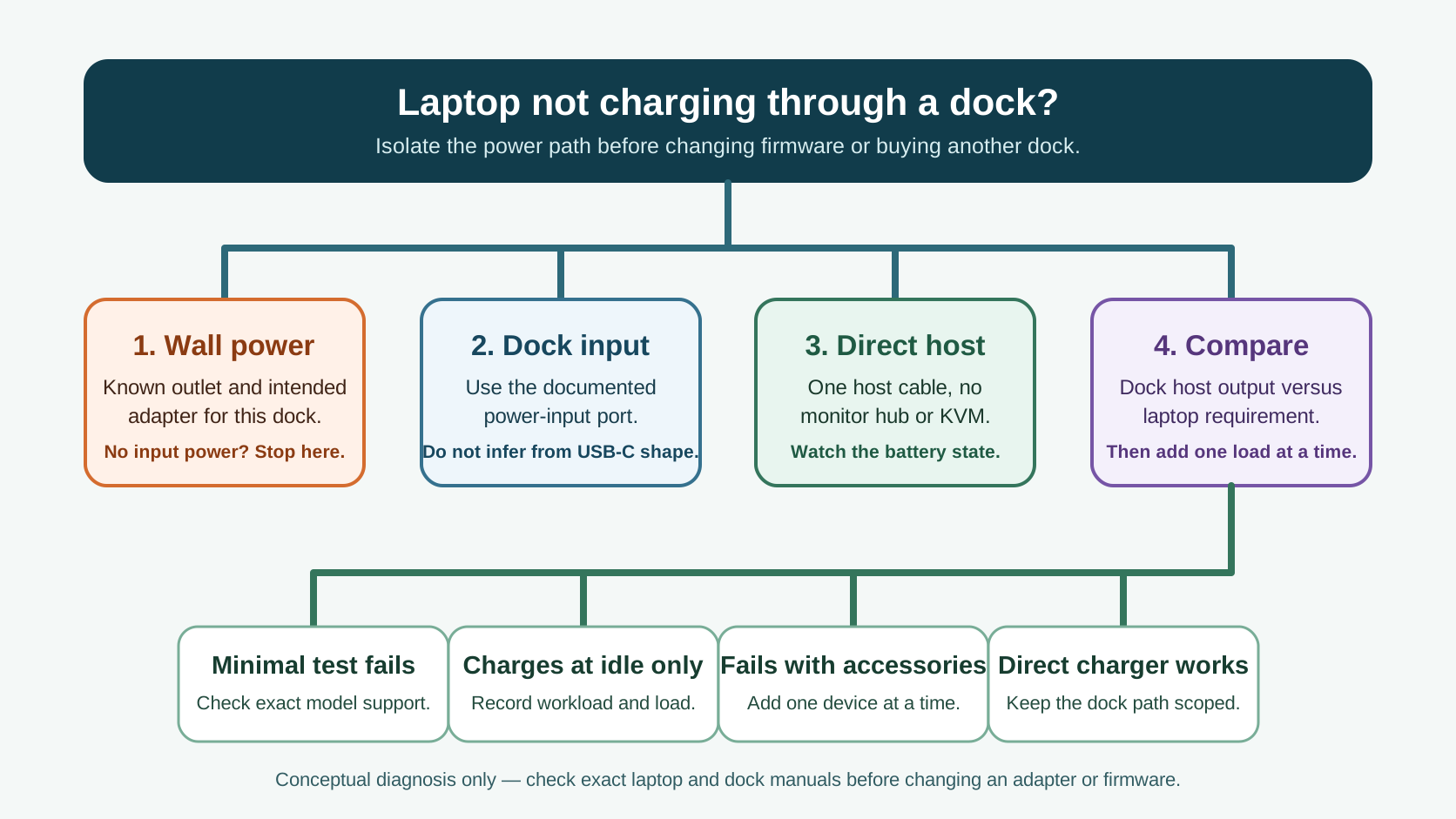
Troubleshoot a dock that still passes video or USB but will not charge the laptop by separating the wall power, dock input, host cable, power budget, and laptop requirement.
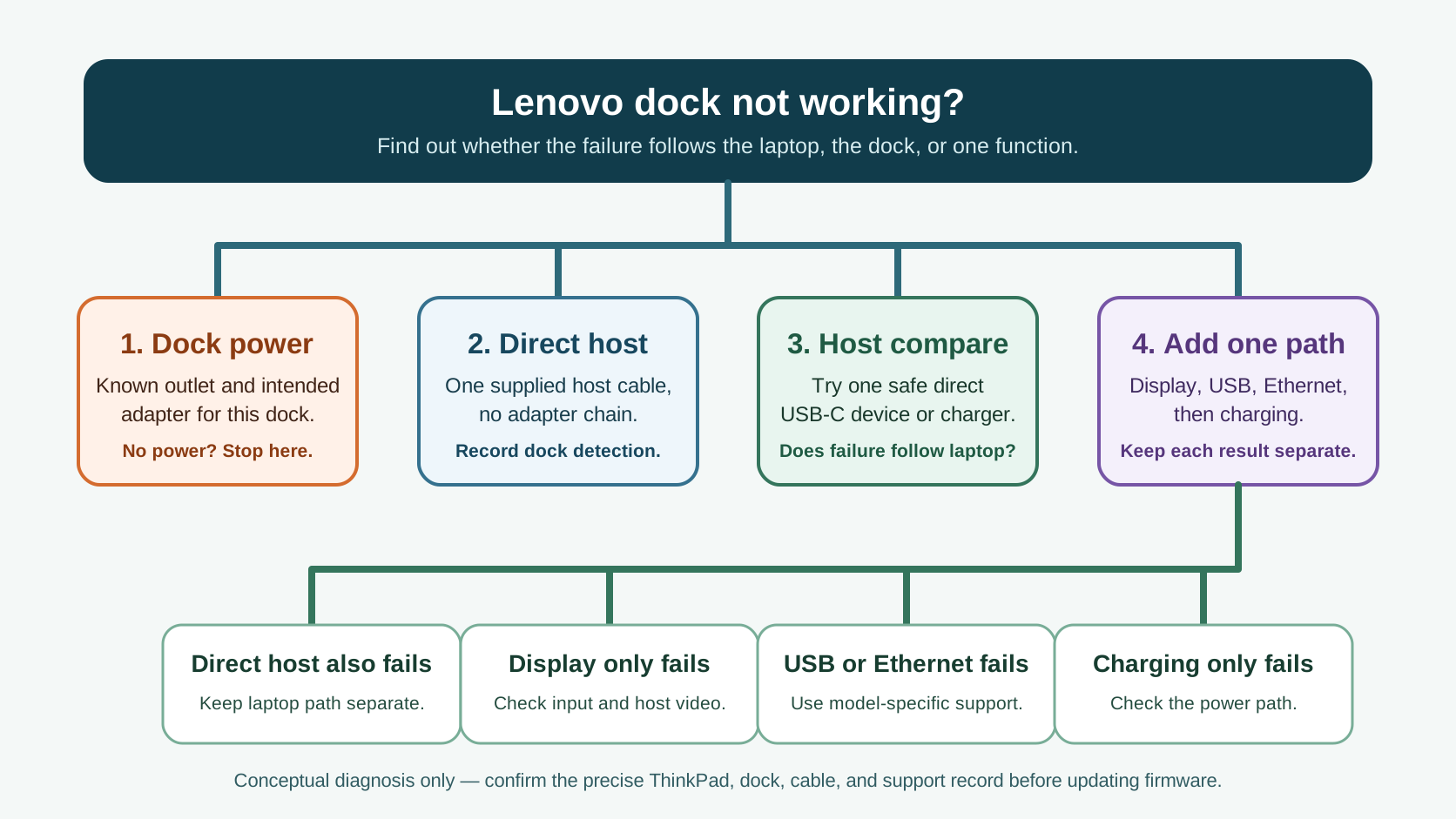
Troubleshoot a Lenovo dock by separating host USB-C or Thunderbolt detection from a display, USB, Ethernet, or charging symptom before changing firmware or hardware.
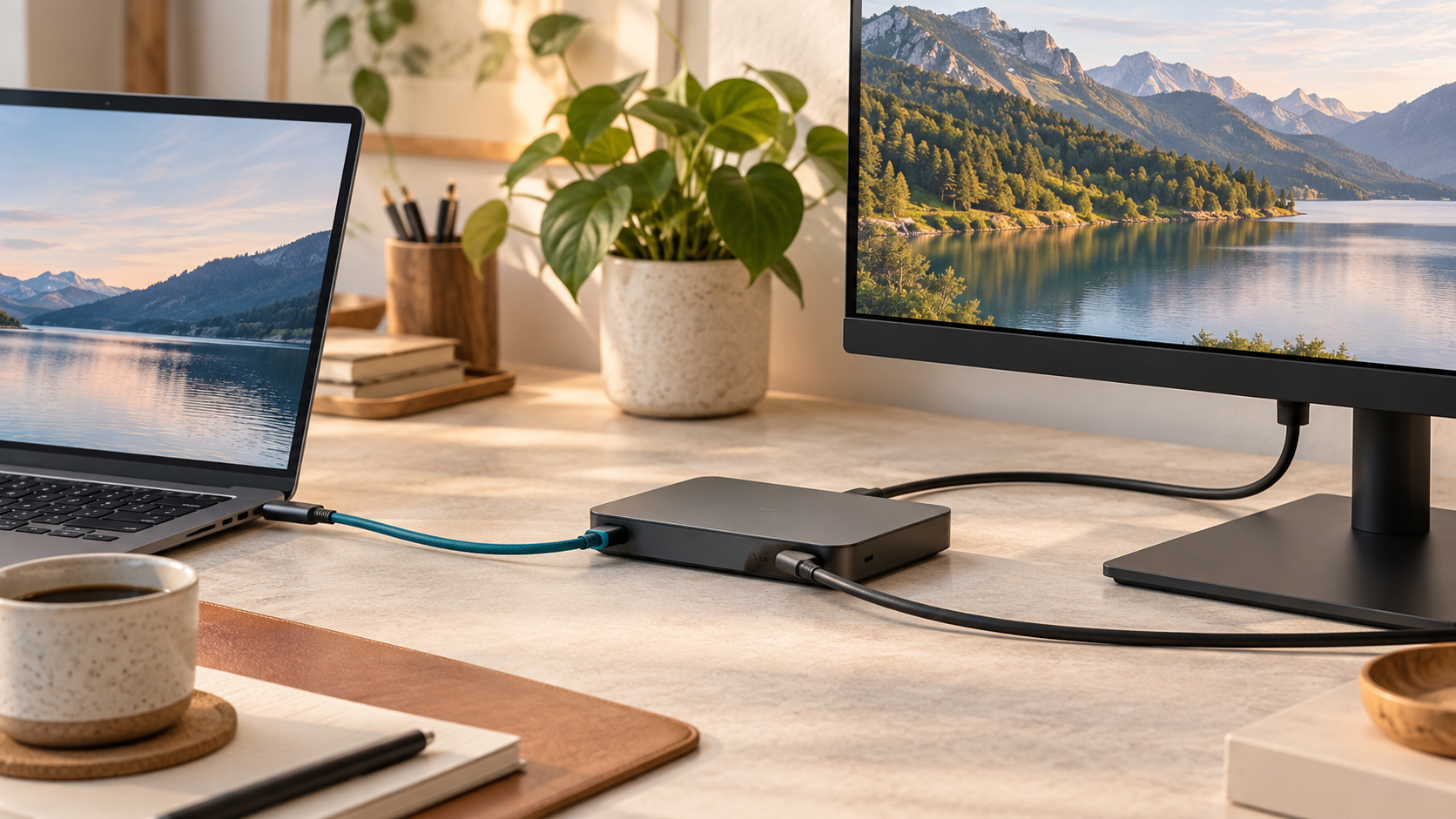
Compare USB4 and Thunderbolt 4 by checking the exact host, port, dock, cable, endpoint, display path, and reversible troubleshooting order.
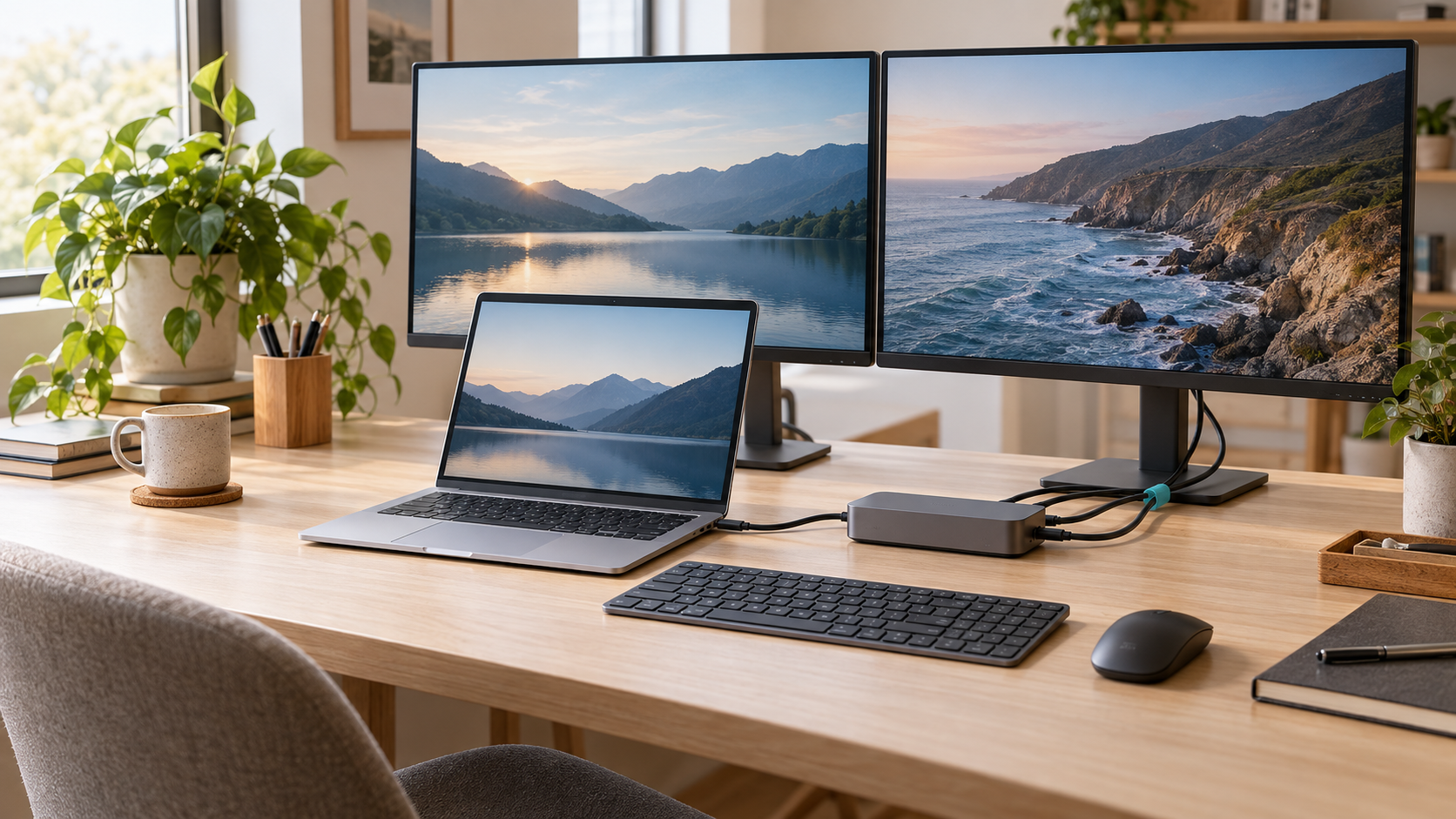
Choose the right MacBook Air dock for M1, M2, M3, M4, or M5, with official display limits, verified dock specifications, and clear stop conditions.