How to Share One Keyboard and Mouse Between a Mac and PC
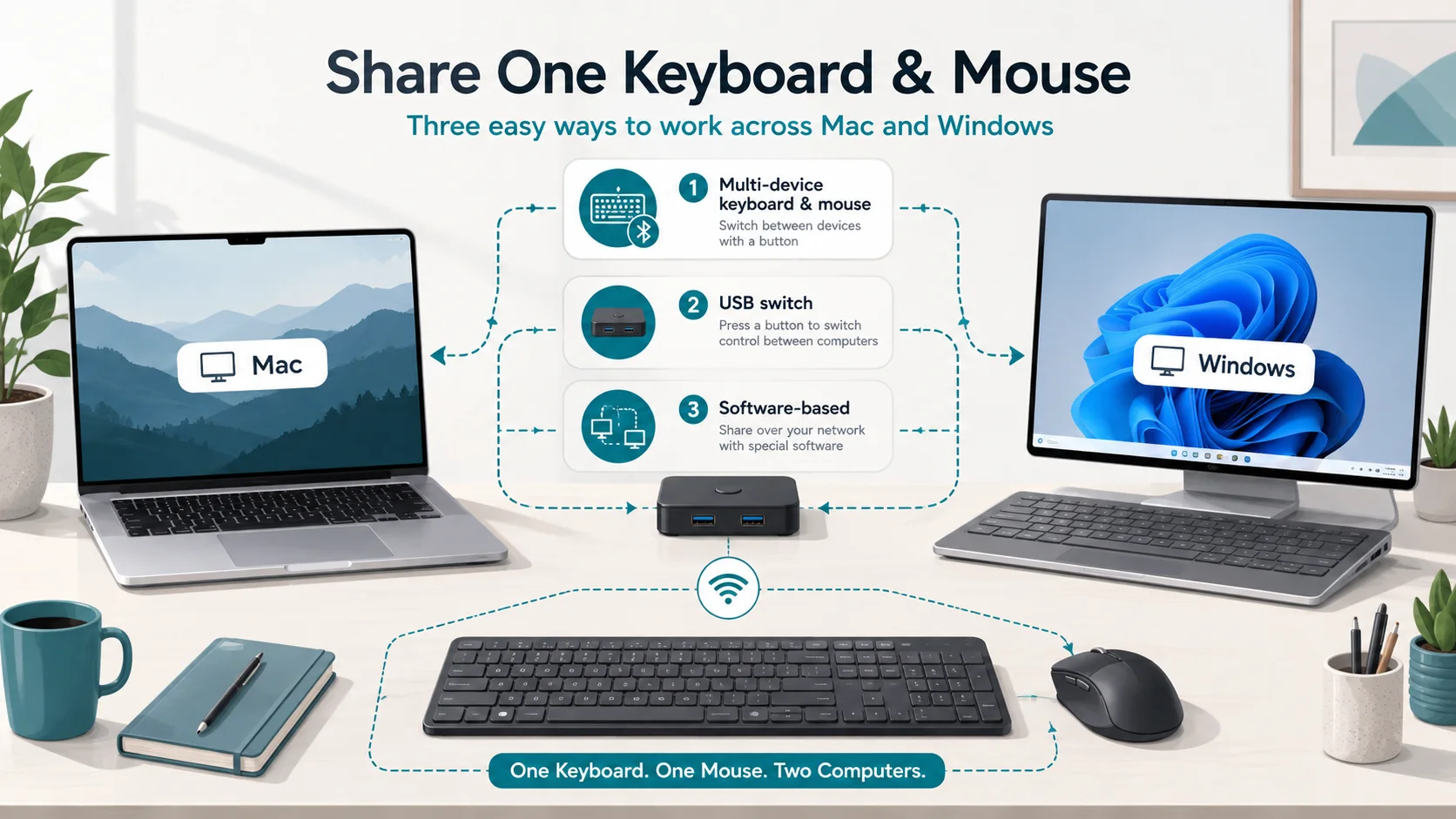
If you only want to share a keyboard and mouse between a Mac and a Windows PC, you usually do not need a KVM. The smallest setup is often one of three things: use the multi-device switching already built into your keyboard and mouse, add a two-computer USB peripheral switch, or use software that sends keyboard and mouse input over your local network.
Start with what you already own; multi-device peripherals may make this a Buy Nothing problem. For ordinary USB devices, a USB switch is usually the simplest dedicated hardware option. Software removes the physical switch, but adds network, permission, and security requirements.
| Method | What switches | Network? | Video switching? |
|---|---|---|---|
| Multi-device keyboard / mouse | The peripheral changes Bluetooth or receiver channel | No | No |
| Hardware USB switch | Shared USB devices move between two hosts | No | No |
| Software sharing | Input events move between computers | Usually yes | No |
| Separate peripherals | Nothing | No | No |
Use the multi-device feature you already have
Many wireless keyboards and mice can remember two or three computers, then switch between them with a channel button. If your existing devices explicitly support both macOS and Windows, this is the smallest option: there is no extra box and no LAN dependency.
Logitech Flow illustrates the difference between basic device switching and software-assisted switching. Logitech says Flow can work between Windows and macOS, with a compatible mouse paired to each computer on different Easy-Switch channels through Bluetooth or a supported USB receiver. Its current Flow support page lists Windows 10, Windows 11, and macOS 10.10 or later.
You do not need Flow merely to press a hardware channel button. The tradeoff is that keyboard and mouse selectors may be independent, so changing computers can mean pressing both unless the product's software links their behavior.
Receivers are not necessarily interchangeable. A device may remember several Bluetooth hosts but use only one receiver channel, and receiver families have vendor-specific pairing rules.
Best fit: you already own supported multi-device peripherals and manual channel switching is acceptable.
Share ordinary USB devices with a USB switch
A two-host USB sharing switch is a straightforward dedicated hardware solution for a normal USB keyboard and mouse. Shared devices plug into the switch, two upstream cables run to the computers, and a button selects which host owns the USB devices.
IOGEAR's GUS402 is an exact category example: it lets two computers share up to four USB devices, lists Windows and macOS support, and uses a button to select the active computer. ATEN's US3324 follows the same basic two-host sharing architecture with a remote selector.
These devices do not switch display video. Your Mac and PC keep their existing monitor connections; if both feed the same monitor, you change that monitor's input separately. This is a peripheral-sharing solution, not a KVM setup.
A wireless keyboard/mouse receiver can often serve as the shared USB device, but receiver behavior, USB power needs, and specialized peripherals vary. Follow the exact device documentation if it requires a direct connection.
Best fit: you want to keep your current USB peripherals and avoid a network-dependent solution.
Software sharing can remove the physical switch
Software is appealing when each computer already has its own display and you want the pointer to move between them without pressing a hardware button.
Synergy currently documents Synergy 3 support for Windows 10/11 and modern macOS versions including macOS 26 Tahoe. Synergy requires a license, so it is only a Buy Nothing path if you already have access to it. The computers need network connectivity where they can reach each other. Symless says input events travel directly between the computers and documents TLS-protected transport. On macOS, Synergy needs Accessibility permission; Windows UAC and pre-login states can require additional configuration.
Symless also notes that FileVault can affect macOS operation before login. Do not weaken disk encryption just to make keyboard sharing more convenient. Treat pre-login control as optional unless it is a documented requirement for your setup.
Logitech Flow can cross between Windows and macOS, but it is not a generic input bridge. Logitech requires Logi Options+ and compatible Logitech hardware. Both computers must be on the same wired or wireless network, and Logitech says an active internet connection is required for the initial connection process. On macOS, Options+ may require Accessibility, Input Monitoring, and Bluetooth permissions for relevant features. Managed office networks can also block the ports Flow needs.
Microsoft's Mouse Without Borders is useful as a boundary check. It shares input across Windows computers, but it is part of PowerToys for Windows—not the Mac-and-PC answer.
Security, sleep, and login behavior
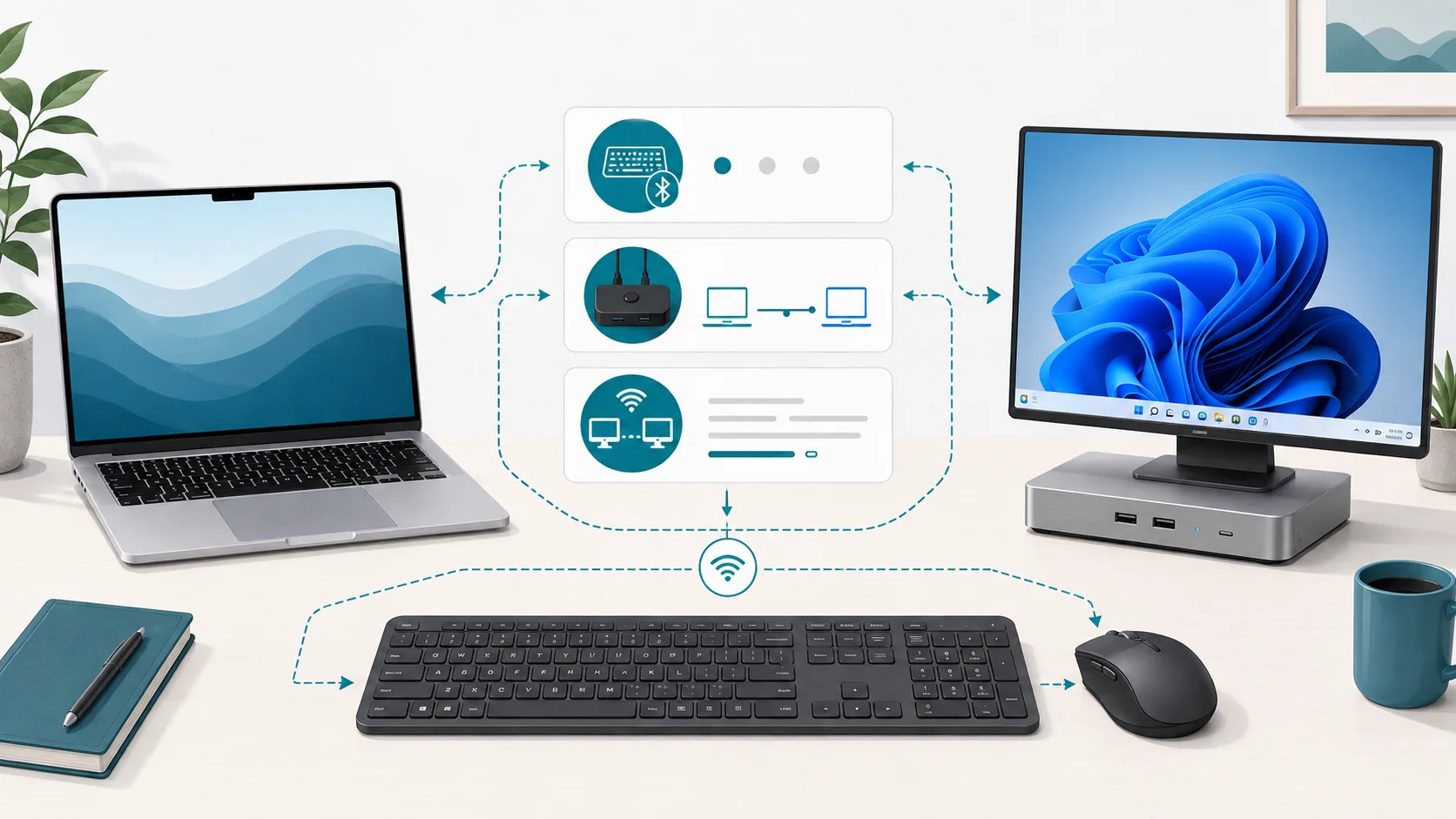
A hardware USB switch does not need a LAN service. Software sharing sends keyboard and mouse events between computers, so its network architecture and your local-network trust model matter. Synergy documents direct connections and TLS. The Logitech material reviewed here establishes Flow's network and firewall requirements, but not enough detail for a blanket encryption claim across versions.
Do not assume any method will always wake both computers. Wake behavior can depend on USB power state, Bluetooth, firmware, OS security state, and the peripheral. Software also cannot control a machine that is asleep, disconnected, or not running the required service.
If reliable pre-login or wake control is essential, verify it for the exact Mac, PC, peripheral, and sharing method instead of treating it as a category feature.
Which option is smallest for your setup?
Use this order:
- Already own multi-device keyboard and mouse? Pair them to both computers and use their host selector. Buy nothing.
- Have ordinary USB peripherals or one USB receiver? Add a two-host USB switch.
- Each computer has its own display and software is allowed? Use a documented cross-platform tool such as Synergy, or Flow when your Logitech hardware is specifically supported.
- Switch only occasionally? Keeping separate peripherals may be simpler than adding another layer.
If you later need to switch the monitor, audio, storage, or several displays along with the keyboard and mouse, that becomes a different architecture. For keyboard-and-mouse sharing alone, keep the solution peripheral-only. If the monitor itself may handle video and USB routing, continue with USB-C Monitor With Built-In KVM vs External Switching.
Sources & Verification
| Source | URL | Source role | Last checked |
|---|---|---|---|
| Logitech Support — What is Logitech Flow and how do I set it up and troubleshoot it? | https://support.logi.com/hc/en-us/articles/1500005634742 | Windows/macOS Flow behavior, pairing, same-network and initial internet requirements | 2026-08-25 |
| Logitech Support — Supported operating systems for Logitech Flow | https://support.logi.com/hc/en-150/articles/5304120537879-Supported-operating-systems-for-Logitech-Flow | Vendor-stated Flow OS support | 2026-08-25 |
| Logitech Support — Logi Options+ permissions on macOS | https://support.logi.com/hc/en-us/articles/1500005514962-Logi-Options-permissions-on-macOS | macOS Accessibility, Input Monitoring, Bluetooth and related permission requirements | 2026-08-25 |
| Logitech Support — Flow for Logi Options+ Port Information | https://support.logi.com/hc/en-001/articles/17498487100055-Flow-for-Logi-Options-Port-Information | Local network / port requirements | 2026-08-25 |
| Symless Support — Operating system and hardware requirements | https://support.symless.com/hc/en-us/articles/33562793892497-Operating-system-and-hardware-requirements | Current Synergy Windows/macOS support and network prerequisites | 2026-08-25 |
| Symless Support — Security and Architecture Overview | https://support.symless.com/hc/en-us/articles/48326695360529-Security-and-Architecture-Overview | Direct-network architecture, input event handling, transport security | 2026-08-25 |
| Symless Support — macOS Accessibility settings | https://support.symless.com/hc/en-us/articles/35743428145169-How-to-fix-the-macOS-Security-Privacy-Accessibility-settings | macOS Accessibility permission requirement | 2026-08-25 |
| Microsoft Learn — Mouse Without Borders | https://learn.microsoft.com/en-us/windows/powertoys/mouse-without-borders | Windows-only software-sharing boundary; network and security behavior | 2026-08-25 |
| IOGEAR — GUS402 2x4 USB 2.0 Peripheral Sharing Switch | https://iogear.com/products/gus402 | Exact hardware USB-switch category example and OS support | 2026-08-25 |
| ATEN — US3324 2-Port USB 3.2 Gen 1 Sharing Switch | https://www.aten.com/us/en/products/usb-solutions/docks-and-switches/us3324/ | Exact two-host USB-sharing architecture example | 2026-08-25 |